Server-Side GTM Migration: Steps, Hosting, and Honest Wins
Teams migrate to server-side GTM expecting faster pages, fewer blocked tags, and cleaner data. Some of that is real, some is marketing. This guide walks through the full server-side GTM migration: what changes architecturally, how to prepare and execute the move step by step, where to host the container, how to keep conversions from double counting, and which gains you can honestly expect.
What is server-side GTM and how does the migration work?
Google defines it plainly:
Server-side tagging in Google Tag Manager allows you to measure user activity across devices and platforms by processing data on a server you control, rather than in the user's browser.
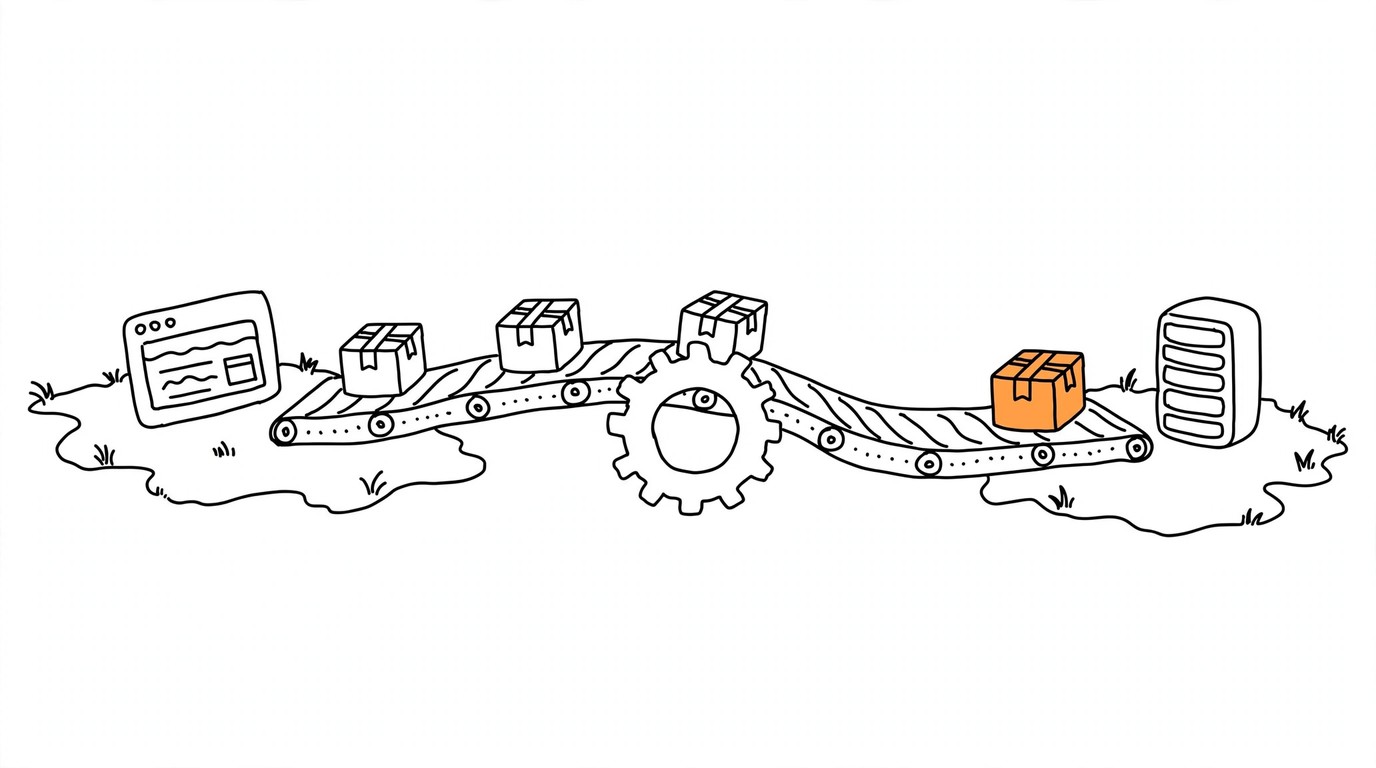
In a client-side setup, every vendor ships its own JavaScript file into the browser: the Meta Pixel, TikTok Pixel, GA4's gtag.js, and so on. After a server-side GTM migration, the browser talks to one endpoint only, usually a subdomain like gtm.yourdomain.com. The server container receives those requests through built-in clients (GA4 by default), transforms them, and sends events onward through server-side tags: Meta Conversions API, TikTok Events API, GA4.
If you already run a hybrid pixel-plus-API setup, the concept will feel familiar. We compare the two architectures in server-side tracking vs browser pixel.
Why move tags off the browser at all?
Four concrete benefits drive most migrations:
- Cookie durability. Safari's Intelligent Tracking Prevention deletes script-writable cookies after seven days of no site interaction:
ITP has aligned the remaining script-writable storage forms with the existing client-side cookie restriction, deleting all of a website's script-writable storage after seven days of Safari use without user interaction on the site.
A server sets cookies through an HTTP Set-Cookie header, which sidesteps that cap. Simo Ahava describes this as converting JavaScript cookies into HTTP cookies with a lifetime you choose, ideally with the HttpOnly flag.
-
Data control. Before anything leaves for Meta or TikTok, you can filter personal data, hash identifiers, or enrich events with backend values the browser never sees.
-
Fewer scripts in the page. Vendor pixels stop shipping their own JS files; one endpoint replaces them.
-
Hidden credentials. Conversion API access tokens live on the server, not in viewable page source.
For affiliate and paid-traffic setups, points 1 and 2 matter most, because they feed directly into match quality and conversion reliability. See Facebook Event Match Quality score for how platform scoring reacts to richer signals.
What does server-side GTM NOT fix?
This is where honest expectations matter more than anywhere else.
Site speed: mostly a myth. The gtm.js container still loads in the browser. You remove some third-party scripts, which helps a little, but nobody should start a migration to fix Lighthouse scores. Practitioners who migrated report marginal speed differences; the durable gains were elsewhere.
Ad blockers: partial, not automatic. A first-party subdomain alone does not save you:
I've gone on record over and over again to say how this is poor justification for using server-side GTM.
Blockers filter well-known request patterns (gtm.js?id=, /g/collect) regardless of the hostname they hit. Loading the container through a custom loader or same-origin path restores script loading, but that is an extra layer you must deliberately deploy. Stape documents its Custom Loader power-up exactly this way:
The Custom Loader power-up minimizes the impact of ad blockers on your GTM and GA4 scripts by routing them through a path that turns all cookies into first-party cookies.
Even then, browser privacy features such as Safari ITP restrict what the browser side can store; the custom loader does not touch that. Plan the migration for cookie durability and data control, treat blocker resistance as a bonus that requires extra configuration.
How do you prepare before migrating?
The most common regret practitioners mention: lifting a messy client setup straight onto the server. Do this first:
- Inventory every tag in the web container and delete what nobody reads.
- Verify the dataLayer pushes consistent event names and parameters.
- Fix duplicate firing at the source before you copy it server-side.
- Decide which events stay client-only and which go through the server.
- Confirm your tracker or backend can supply order IDs, because deduplication depends on them.
If your funnel runs through Keitaro or another tracker, map now how postbacks and server events will coexist. The wiring is covered in Keitaro Facebook CAPI integration.
How to migrate step by step
- Create the server container in GTM Admin and note its default container URL.
- Deploy it behind your own subdomain (
gtm.yourdomain.com). Google strongly recommends a first-party domain in production, otherwise cookies become third-party and browsers restrict them. - Choose hosting (next section) and paste your deployment URL back into GTM.
- Point web tags at the server container. For GA4 tags set the transport URL to your subdomain; other vendors follow the same pattern through the GA4 client or custom clients.
- Rebuild tags server-side. Start with GA4, then Meta Conversions API and TikTok Events API. Keep payloads lean and pass the event ID from the browser.
- Run both paths in parallel for one to two weeks. Compare event counts between old and new routes in platform test tools (Meta Test Events tool).
- Cut over and clean up: disable redundant client-side tags, keep monitoring for a week.
During parallel running, watch attribution closely. Both routes firing at once inflates counts unless deduplication is already active, which brings us to the part that ruins most migrations when skipped.
How do you deduplicate events between web and server containers?
Meta states the rule directly:
a Meta Pixel's eventID must match the Conversion API's event_id. In corresponding events, a Meta Pixel's event must match the Conversion API's event_name.
Practical setup:
dataLayer.push({
  event: 'purchase',
  ecommerce: {
    transaction_id: 'order-84512'
  }
})
The same transaction_id flows into the server payload as event_id. Generate the ID once, in the browser, and reuse it everywhere. Generating it twice (a classic tag sequencing mistake) produces two different IDs, and Meta counts both events.
Deduplication applies to any hybrid setup: Meta CAPI, TikTok Events API, and similar APIs from other platforms all rely on a shared identifier. The mechanics per platform are detailed in Facebook Pixel & CAPI event deduplication and our Event ID glossary entry.
Where should you host server-side GTM?
Managed hosting: Stape
For media buyers without a dedicated engineer, we recommend Stape (affiliate link). Setup takes minutes rather than an afternoon: create a container, point a CNAME record at it, SSL comes included. Pricing starts at $20/month for hosting including logs, with a freemium tier available for testing.
Try our freemium plan for sGTM or start with $20/month for hosting, including logs.
Two practical notes from Stape's own documentation. First, billing counts incoming requests, which includes script loads and bot traffic, not just real events, so check your plan's quota against actual traffic. Second, use the Custom Loader power-up from day one: it reroutes gtm.js and gtag.js through your own domain and reduces blocking of the initial script load.
Self-hosting on Google Cloud Run
Google publishes reference numbers for the DIY route:
In this Cloud Run configuration, each server costs approximately $45 /month (USD). ... We recommend running a minimum of 2 instances to reduce the risk of data loss in case of a server outage.
That is roughly $90/month before logging costs, plus your time for provisioning, SSL, monitoring, and upgrades. Self-hosting makes sense when you have the engineering capacity and want full infrastructure control. It is the wrong starting point when your goal is better tracking this week.
Other platforms
Addingwell and TAGGRS offer comparable managed sGTM hosting with EU focus. If your traffic is primarily European and GDPR posture dominates, evaluate them alongside Stape. RudderStack occasionally appears in these discussions, but it solves a different problem: it is a customer data platform, heavier than a tag management migration needs.
How much does server-side GTM cost?
Cost components:
| Item | Managed (e.g., Stape) | Cloud Run (self-hosted) |
|---|---|---|
| Hosting base | From $20/month | About $45/month per instance |
| Minimum resilient setup | One plan covers it | Two instances, about $90/month |
| Logging | Depends on plan tier | Extra above 1M requests/month |
| Setup effort | Minutes | Hours to days |
| Maintenance | Provider | You |
Watch the request-based billing trap on managed plans: crawler hits and script loads consume quota. Set alerts before auto-upgrade quietly moves you up a tier.
What mistakes ruin most migrations?
- No shared event_id - conversions count twice, optimization degrades silently for weeks. Diagnose in Meta's Events Manager deduplication column.
- Garbage in, garbage out - duplicate triggers and inconsistent dataLayers reproduce faithfully on the server.
- Chasing phantom speed gains - decide based on data quality and durability, not Lighthouse.
- Default script paths left in place - blockers kill
gtm.jsbefore your server ever sees a request. - Big-bang cutover - always overlap old and new routes and reconcile numbers before switching off the old path.
Is server-side GTM worth it for media buyers?
For teams buying Facebook or TikTok traffic through trackers like Keitaro, the decision usually comes down to signal reliability: conversions that survive iOS privacy restrictions, cleaner match quality, and stable postback-to-API routing. Those benefits compound across every campaign. If that is your bottleneck, plan the migration this quarter, and start hosting with Stape to skip the infrastructure learning curve.
Keep the rest of the pipeline automated too: activate and warm up pixels manually with Pixel Activator while volumes are small, then let MOST route conversions from your tracker to every ad account automatically once scaling starts.
Frequently asked questions
Sources
Sources
- Google: An introduction to server-side tagging
- Google: Set up server-side tagging with Cloud Run
- Google: Server-side tagging custom domain
- WebKit: Full Third-Party Cookie Blocking and More
- Meta: Handling Duplicate Pixel and Conversions API Events
- Stape: Custom Loader power-up
- Stape: Plan tiers and limits