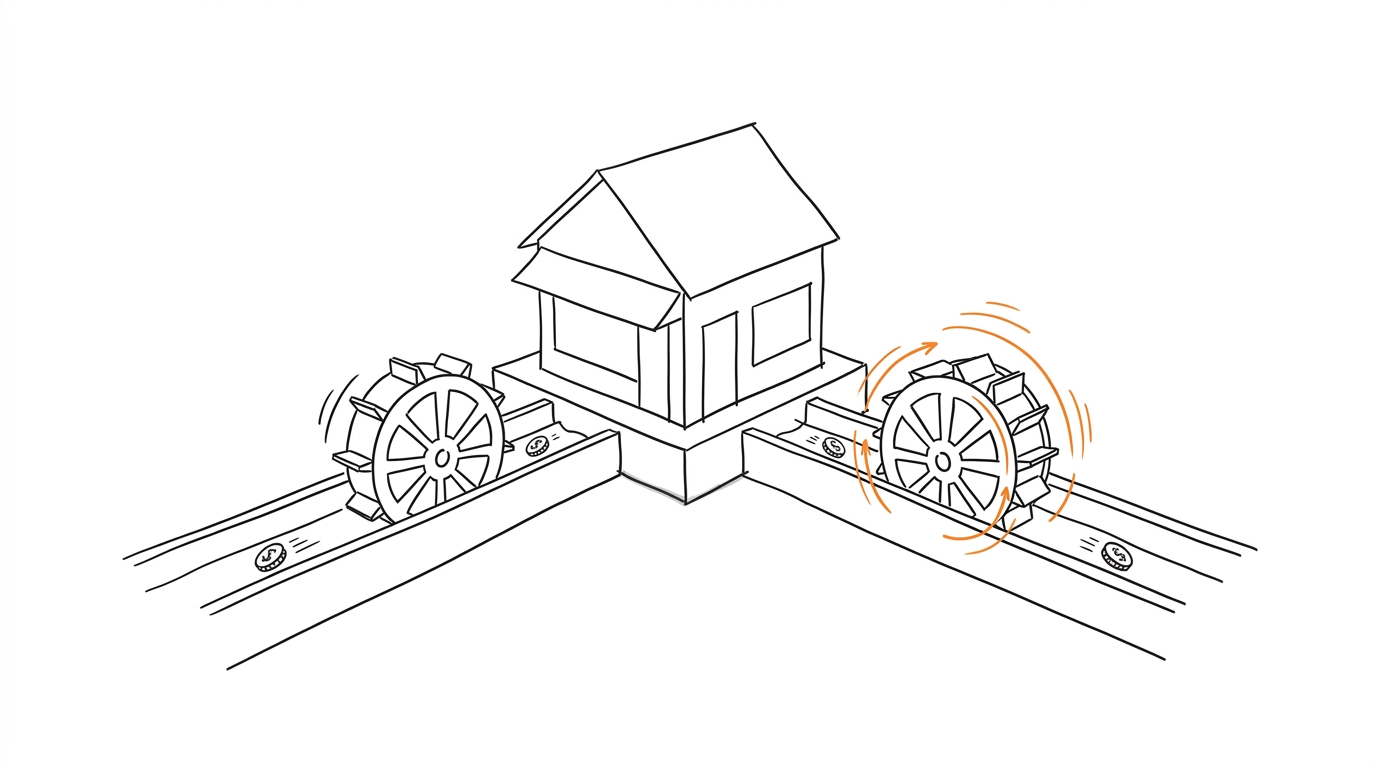
Ask a room of tracking analysts about the Google & YouTube app on Shopify and the answers converge quickly. It works out of the box, the numbers never quite match your orders, and when something breaks there is almost nothing inside you can inspect or fix. This article breaks down what the app hides, what Google itself documents about those limits, and how to move your Google tags to GTM or server-side GTM without losing data or duplicating purchases.
Use Pixel Activator to send a controlled test conversion and inspect its payload. It is the fastest way to see what your current setup actually fires.
What does the Google & YouTube app configure, and what does it hide?
Google positions the app as the easiest path: "The easiest way to set up conversion tracking is through the Google & Youtube app on Shopify," according to its conversion tracking guide for the app. The same page documents the boundaries. Purchase, add to cart and checkout started are suggested defaults, set automatically as account defaults in Google Ads. Only a single Google Ads account can be linked directly; extra accounts need manual conversion ID and label work.
Practitioners describe the result as a black box. A tracking analyst in an r/GoogleTagManager thread put it plainly: "I don't use the app. It's a blackbox and too little control over it." Nothing about the official documentation contradicts that read. There is no documented way to add custom storefront events, change firing logic or wire your own consent logic into the app's measurement path.
Why will app numbers never match your real orders?
A Google Ads Community thread on the topic spells out the mechanism: GA4 tracks non-direct last-click conversions, while Google Ads credits any ad click along the path to conversion (community thread on Shopify discrepancies). Add consent-related data loss on top and every layer of the funnel reports a slightly different world.
This is exactly where the black box hurts. With manual tagging you at least know which events fired, with which parameters, and can reconcile a specific order end to end. With the app you see an aggregate number and have to trust the pipeline. If you also run Meta or TikTok pixels on the same orders, the reconciliation problem compounds - the same deduplication discipline described in Facebook Pixel CAPI event deduplication applies to any pair of overlapping measurement paths.
What does Google itself document about the app's limits?
The most useful source here is Google's migration guide for Google tags on Shopify:
"Your current Google tag installation might include in-code customizations (for example, privacy settings, feature settings) that aren't supported directly by the Google & YouTube app due to platform restrictions."
On GTM the same page is blunt: "Due to limitations of the Shopify platform, you can't set up Google Tag Manager through the Google & YouTube app." On the popular workaround of loading GTM inside a Shopify custom pixel there is a dedicated limitations page. It calls the combination unsupported: "running Tag Manager inside of Shopify's custom pixel sandbox is not a supported implementation." It also warns about consent: "the consent treatment in a custom pixel may be different than when you have your Google tag implemented elsewhere."
Per that limitations page, these features degrade or stop working inside the custom pixel sandbox:
- Enhanced Conversions for web.
- Consent mode URL passthrough.
- Google Ads conversions by URL, phone call conversions and cross-domain measurement.
- GA4 automatically collected events, enhanced measurement and event modification.
- Tag Manager Preview mode and most third-party tags.
Put together: Google recommends the app, the app hides its internals, and the escape hatch everyone reaches for (custom pixel + GTM) is officially unsupported with a documented list of broken parts. Start any decision from that map.
How do GTM and sGTM hand you consent control back?
For EEA traffic this stopped being optional: Google requires you to collect consent and share consent signals, including the v2 parameters ad_user_data and ad_personalization, to keep using measurement and remarketing features (consent requirements for EEA). Google's Shopify consent setup guide describes the app path in one sentence: if you use the app and have a CMP, "consent mode should work automatically."
Automatic is convenient until you need to answer questions. Which default consent state ships on first paint? Does analytics_storage ever fire before the banner interaction? Is URL passthrough preserving consent across pages - noting that consent mode URL passthrough is among the features broken in the custom pixel sandbox? With a GTM web container those are configuration choices you own, using the two modes defined in Google's consent mode overview.
Server-side GTM goes further. Per Google's server-side tagging fundamentals, the server container "acts as a buffer between the user and the vendors," where you "can validate, parse, anonymize, or even block HTTP requests" based on cookie consent. That is the level of control the app structurally cannot offer, and it pairs well with the event-ID discipline described in event ID deduplication when browser and server routes carry the same conversion.
App or GTM: what actually changes?
| Dimension | Google & YouTube app | GTM / sGTM |
|---|---|---|
| Initial setup | Minutes, guided | Hours to days, plus infrastructure for sGTM |
| Official support | Fully supported by Google | GTM in custom pixel sandbox unsupported; theme-based GTM is standard practice |
| Consent signal handling | Automatic, opaque | Explicit defaults, banner wiring, server-side enforcement with sGTM |
| Custom storefront events | Not available | Full control over triggers and payloads |
| Attribution visibility | Aggregate numbers only | Per-event payloads you can log and reconcile against orders |
| Duplicate risk | Documented problem Google wrote a separate article about | Real, but controllable: you own every trigger |
| Ongoing maintenance | Near zero | Yours |
One caveat keeps this comparison honest: moving to GTM means owning the pipeline. The app never misfires because you fat-fingered a trigger; a self-managed container can.
When is staying on the app the right call?
The same r/GoogleTagManager thread contains the counterargument: for a small store on a single channel, GTM is pure overhead, while orchestrating event flow across several platforms is where it starts making sense. That split matches reality. Before deciding either way, audit your current GA4 property: look for duplicate transactions, abnormally high direct/unassigned traffic and landing page (not set) spikes. If those look clean and you have no plans beyond one Ads account, migration adds more maintenance than insight.
How do you install a GTM container through the Shopify theme?
- Back up. Duplicate the live theme in Shopify admin first - rollback should take a minute, not an evening.
- Container. Create a web container in GTM and grab both snippets from its installer.
- Theme insert. Online Store -> Themes -> Edit code ->
layout/theme.liquid: the first snippet goes right after the opening<head>tag, the second right after<body>. - Consent before tags. Before the container loader, set consent defaults (
ad_storage,ad_user_data,ad_personalization,analytics_storage) and update them from your banner signals - basic or advanced, your call under the consent mode overview above. - Storefront events. Product views, add-to-cart and other funnel steps go through the dataLayer on templates or GTM triggers - exactly the custom events the app does not offer.
- Verify. Run Tag Assistant Preview across storefront pages - unlike the custom pixel sandbox, it works here.
Checkout is the boundary of this path: theme code does not execute there, and legacy thank-you-page scripts expire with the August checkout extensibility deadlines covered in the traps section below. Until you migrate, keep the app's purchase action primary or carry purchases through a server-side sGTM route.
How do you migrate to GTM without duplicating purchases?
- Audit what currently fires. Open Tag Assistant and your Ads conversion actions, looking for duplicates. Google maintains a dedicated article on avoiding duplicated tracking events from the app (duplicate tracking events guide) - start there if numbers already look inflated.
- Build the new path. Deploy a GTM web container from the theme for storefront pages, or accept the trade-offs documented on Google's custom pixel limitations page. Set consent defaults deliberately instead of relying on automatic behavior.
- Create new conversion actions as secondary. Keep campaigns bidding on the existing primary actions while the new ones accumulate data. The recommended answer in a Google Ads Community thread on exactly this migration says: set the new action "to secondary instead of primary, so the campaigns will only use what you choose."
- Verify before switching. Check placement verification for each tag, confirm Conversion Linker is present, and configure Enhanced Conversions through GTM per Google's enhanced conversions guide if you plan to use them.
- Flip primary, then remove legacy tags. After the secondary action has enough volume and matches expectations, promote it and disable the old action. Then remove leftover snippets from theme files and order status additional scripts - Google's legacy tag removal guide walks through backing up the theme first. For reading platform reports while numbers settle, the routine from Meta CAPI event delays applies unchanged.
- Watch consent diagnostics. After the switch, monitor the consent status in your conversion diagnostics tab, as described in Google's EEA consent documentation.
The same event_id discipline used for Meta pixel-and-server pairs applies here: one identifier generated once at the conversion boundary, shared by every route carrying that conversion.
Which traps catch teams during and after the switch?
- Both paths live simultaneously. Google's duplicate-events article exists precisely because app-plus-custom-tag setups double-count purchases.
- Orphaned trackers. In one Google Ads Community thread, a merchant removed the app and their containers, yet support still saw tags firing - manually installed code,
gtag.jsamong it, had survived (thread on leftover tracking). Grep your theme before declaring victory. - Custom pixel assumptions. No Preview mode, degraded consent treatment, missing Enhanced Conversions. Budget QA time accordingly instead of discovering this in production data.
- Checkout extensibility deadlines. Legacy checkout scripts lost support for Shopify Plus stores in August 2025, with non-Plus stores scheduled for August 2026 per Google's migration guide. Plans built on editing checkout.liquid expire with them.
- Revenue comparisons across the April 2025 correction. Shopify changed how order-level discounts are reported around April 22, 2025, so pre- and post-migration purchase values may not be directly comparable, as noted in the same guide.
If your stack routes conversions from a tracker into ad platforms anyway, weigh whether browser-side tagging is where your effort belongs. Most automates repeatable tracker-to-pixel conversion delivery and keeps event mapping in one place; Pixel Activator stays the quick manual probe for proving a single payload.
Frequently asked questions
Sources
Sources
- Set up conversion tracking with the Google & YouTube app on Shopify - Google Merchant Help
- Migrate your Google tags with the Google & YouTube app on Shopify - Google Tag Manager Help
- Limitations of using a custom pixel for conversion measurement on Shopify - Google Tag Manager Help
- Consent mode overview - Google Tag Platform
- Updates to consent mode for EEA traffic - Google Ads Help
- Set up Shopify to obtain user consent - Google Analytics Help
- Why and when to use server-side tagging - Google Tag Platform
- Set up enhanced conversions for web using Google Tag Manager - Google Ads Help
- How to avoid duplicated tracking events (Google & YouTube app on Shopify) - Google Merchant Help
- Remove legacy Google tags from Shopify - Google Tag Manager Help
- Google Ads Community: Shopify vs GA4 vs Ads discrepancy discussion
- Google Ads Community: leftover tracking after app removal