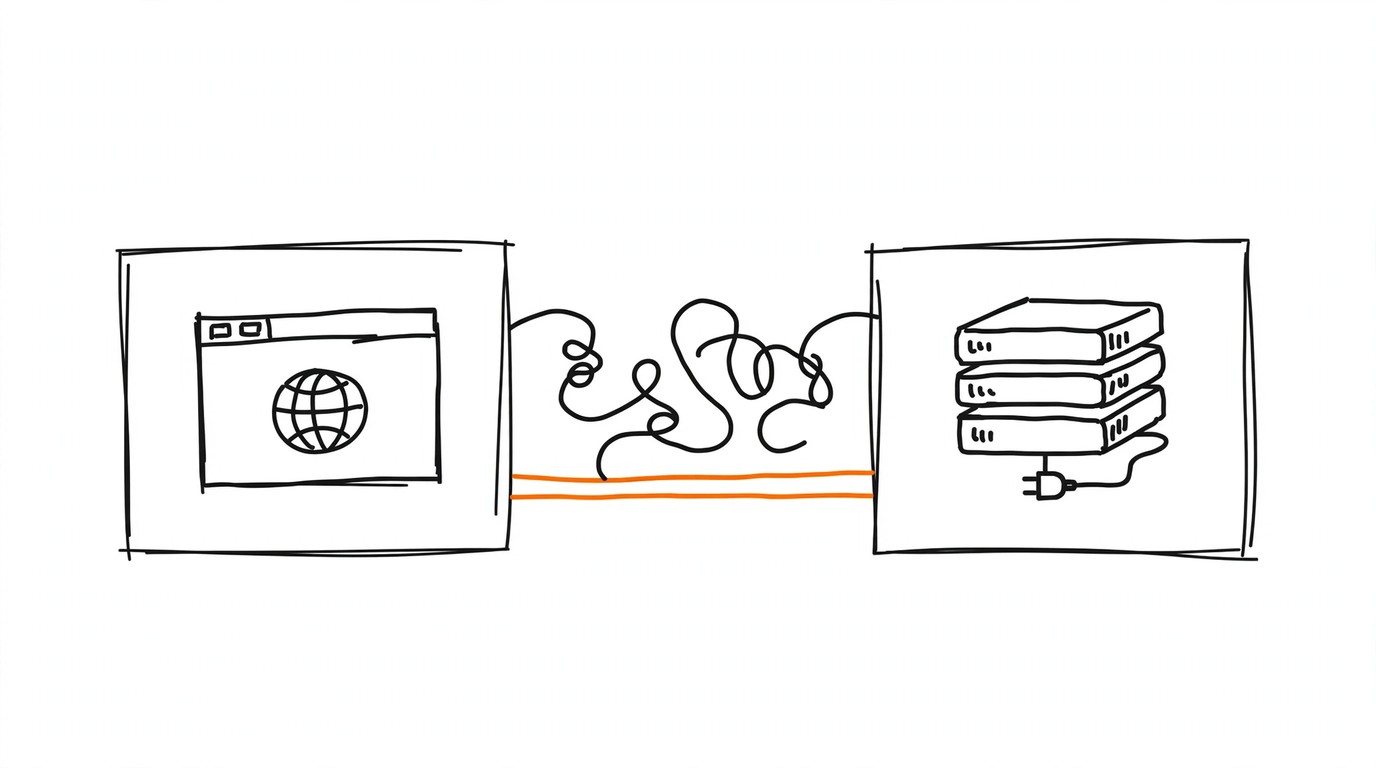
Ad platforms keep asking for more signal while browsers, operating systems, and consent rules keep letting less through. Server-side tracking is the industry answer: collect marketing events on infrastructure you control, then deliver them straight to the APIs of Meta, TikTok, and Google. This guide is the conceptual entry point to the topic: how the pipeline is built, when it becomes mandatory, and which stack fits your funnel.
What Is Server-Side Tracking
Google defines the server container as an intermediary endpoint between the user's device and vendor endpoints, one that you own. Because it sits in the middle, you can screen, validate, and modify event data before anything is forwarded. One server container can accept traffic from web pages, mobile apps, and CRM sources alike, which removes the need for a separate tag pipeline per platform.
Two mechanical facts matter for media buyers. The container is a Node.js application distributed as a Docker image, so it runs in any cloud you like. And inside it, triggers fire only on event data: click or scroll triggers do not exist on the server, because the server sees requests, not page behavior.
Server-Side Tracking vs Browser Pixel
The browser pixel loses events in predictable places: network problems, page load errors, connectivity drops on mobile, and browser restrictions on tracking. Meta documents exactly this gap and recommends running the Conversions API alongside the pixel for that reason. TikTok cites the same pattern: its Events API recovers conversions lost to connectivity issues and browser limits.
The server stream also carries what the page never sees: lead quality scores, confirmed payments, refund statuses, LTV from a CRM. Neither source replaces the other, since the pixel catches soft interactions your server never learns about. For the full trade-off, including cost and time-to-launch, read server-side tracking vs browser pixel.
How the Server-Side Tracking Pipeline Works
The pipeline has four hops. The browser or app sends one HTTP request per event to your endpoint. A client inside the server container claims the request: the first client whose trigger matches takes it, and no other client processes that request. The client turns the raw request into event data, which then flows through the container's tags, triggers, and variables. Finally, tags build vendor payloads and post them onward.
Out of the box, the container ships with clients and tags for GA4 and the Measurement Protocol. Any gtag.js deployment can feed it through the server_container_url option:
ad click → landing page fires an event with gtag.js
your-sgtm.example/collect receives it on a first-party subdomain
the matching client claims the request and extracts event data
tags build payloads and post them server to server
Meta CAPI, TikTok Events API, and GA4 receive the events
For hosting choices, deduplication gotchas, and honest expectations, see server-side GTM migration.
First-Party Context: Domain, Cookies, and PII Control
Point a subdomain of your site at the tagging server and the first-party context appears. The server can then read and write HttpOnly cookies that page scripts cannot touch, vendors stop receiving third-party cookies, and your content security policy can get stricter because fewer external endpoints are involved. The pipeline position also gives you a kill switch for PII: email addresses or phone numbers can be stripped from the stream before it reaches any partner.
Google's own guidance for server-side tracking is to configure a first-party domain and enable production mode before real traffic reaches the container. Skipping that step leaves the default debug behavior live on a public endpoint.
When Server-Side Tracking Becomes Mandatory
On iOS, attribution depends on permission. Since iOS and iPadOS 14.5, tracking and access to the advertising identifier require the user's explicit consent through the App Tracking Transparency prompt, and without it the identifier reads as all zeros. Apple defines tracking as linking app-collected data with data from other companies for targeting or measurement. Note the scope: ATT governs apps, not web pixels, so it lands on your funnel through in-app traffic and mobile attribution, which is where MMPs come in.
On the web, the push is quieter: pixels drop events to network failures, and consent rules keep part of the audience unmeasured until opt-in. Server delivery does not repeal consent law; you still need a lawful basis. It also does not repair a broken campaign structure. What it does is stop the silent undercount and unlock post-purchase data. The cookieless stack end to end is covered in cookieless attribution for affiliate tracking, and the app-side split of responsibilities in MMP vs affiliate tracker.
The Stack: sGTM, Direct Integrations, Trackers, and MMPs
| Layer | Role | Typical choices |
|---|---|---|
| Collector | Receives events from web and app, routes them to vendors | sGTM on Cloud Run or VPS |
| Platform APIs | Final delivery into ad accounts | Meta CAPI, TikTok Events API, GA4 |
| Trackers and TDS | Redirects, subIDs, postbacks, campaign splits | Keitaro, Binom, Voluum, RedTrack |
| MMPs | Mobile attribution and postbacks | AppsFlyer, Adjust |
The collector is the piece people mean by "server-side tracking" in the sGTM sense, but direct integrations skip it: commerce platforms and CRMs can post to platform APIs themselves. TikTok lists the options as commerce partners, data partners such as tag managers and CDPs, or direct API access.
Hosting is cheap to start: Google's default single-server deployment on GCP is nearly free, and the Cloud Run upgrade lands around 30-50 dollars per server per month (as of late 2025), with at least three instances recommended per container for redundancy. Where the tracker ends and the MMP begins is dissected in MMP vs affiliate tracker, and the Shopify-specific control question in Shopify GTM vs the Google & YouTube app.
Routing Events to Meta CAPI and TikTok Events API
Meta's CAPI creates a connection between your marketing data and Meta's systems: web events, app events, business messaging, and offline conversions all qualify. Server events attach to a dataset ID and are processed like pixel or SDK events, so they flow into the same attribution and optimization machinery.
TikTok's Events API covers web, app, and offline channels with configurable scope. For websites, TikTok recommends running it as a second channel next to the existing Pixel to maximize performance benefits, either standalone or through a partner integration. Agencies and platforms running many ad accounts get the Events API Gateway: a managed host with a tenant per account, separate tokens, and built-in duplicate avoidance matched by event ID or the _ttp cookie. Both setups deserve their own manuals, which is why the Meta CAPI guide and the TikTok Events API guide exist as companion pillars.
Fire a single test event manually with the free Pixel Activator and confirm it lands in Events Manager. Once the mapping is proven, Most takes over recurring delivery from your tracker with deduplication built in.
Redundant Setup and Deduplication
Meta's official recommendation is a redundant event setup: fire the same events from the browser and the server. The server copy catches what the pixel loses to network problems and page load errors, plus offline and late-arriving conversions the pixel never sees. To keep the double stream honest, duplicates are collapsed by identical event name plus event ID, or by the external ID plus fbp pair, and Meta asks you to pass all of those parameters.
The fbp and fbc values come from the browser's _fbp and _fbc cookies; fbc is a formatted Click ID, and the recommendation is to send it with every server event. Timing matters too: events should arrive in real time or near it, because matched events are the ones that count. Event Match Quality, scored out of 10 in Events Manager, feeds attribution and delivery optimization only for matched events. TikTok mirrors the pattern with event ID or _ttp matching. A minimal Meta payload looks like this:
{
  "event_name": "Purchase",
  "event_time": 1753526400,
  "event_id": "order-84512",
  "action_source": "website"
}
The pixel copy of the same purchase must carry the same event_id, or the conversion counts twice.
Third-Party Cookies in 2026: Where Chrome Actually Stands
The two-year saga ended quietly. In April 2025 Google confirmed there would be no new standalone prompt for third-party cookies in Chrome: the choice stays in Privacy and Security settings, and Incognito already blocks them by default, with IP Protection planned for Q3 2025. Then in October 2025 Google announced it is winding down most of Privacy Sandbox due to low adoption: the Attribution Reporting API on Chrome and Android, Topics, Protected Audience, IP Protection, Private Aggregation, Related Website Sets, SelectURL, SDK Runtime, On-Device Personalization, and Protected App Signals are all being retired.
What survives matters for planning: CHIPS, FedCM, and Private State Tokens continue, and Google points measurement work toward an interoperable Attribution standard at the W3C Private Advertising Technology Working Group. The practical takeaway for buyers is unchanged either way: do not budget around third-party signals. First-party collection inside a server-side tracking pipeline keeps working regardless of how the browser story ends. The full post-cookie playbook lives in cookieless attribution for affiliate tracking.
Getting Started Checklist
- List the events your campaigns actually optimize on, usually lead and purchase.
- Stand up the collector on a first-party subdomain and enable production mode before live traffic.
- Feed it from the landing page through gtag.js with server_container_url or through your tracker.
- Connect one platform API first, Meta CAPI or TikTok Events API, and verify delivery in the platform's event tool.
- Add the redundant browser stream with a shared event_id for deduplication.
- Watch Event Match Quality and event coverage for two weeks before connecting more destinations.
Pixel Activator covers manual, free activation and test events while you validate the mapping. Most automates conversion routing from your tracker to every ad account once volume justifies it.
Server-side tracking is a stack rather than a single tool. From here, descend into the spoke that matches your setup: the pixel comparison, the sGTM migration walkthrough, the cookieless stack, the MMP split, or the Shopify control question. Both companion pillars cover the platform APIs in full.
Frequently asked questions
See also: tracker comparison: Keitaro, Binom, Voluum, RedTrack.
Sources
Sources
- Google: An introduction to server-side tagging
- Google: Server-side tagging overview
- Google: Server-side tagging fundamentals
- Google: Client-side tagging vs. server-side tagging
- Meta: Conversions API overview
- Meta: Conversions API best practices
- Meta: fbp and fbc parameters
- TikTok: About Events API
- TikTok: How to get started with Events API
- TikTok: About Events API Gateway
- Apple: User Privacy and Data Use
- Apple: App Tracking Transparency framework
- Apple: ATT upcoming requirements
- Privacy Sandbox: Next steps for Privacy Sandbox and tracking protections in Chrome
- Privacy Sandbox: Update on plans for Privacy Sandbox technologies