Meta Conversions API: The Complete Guide
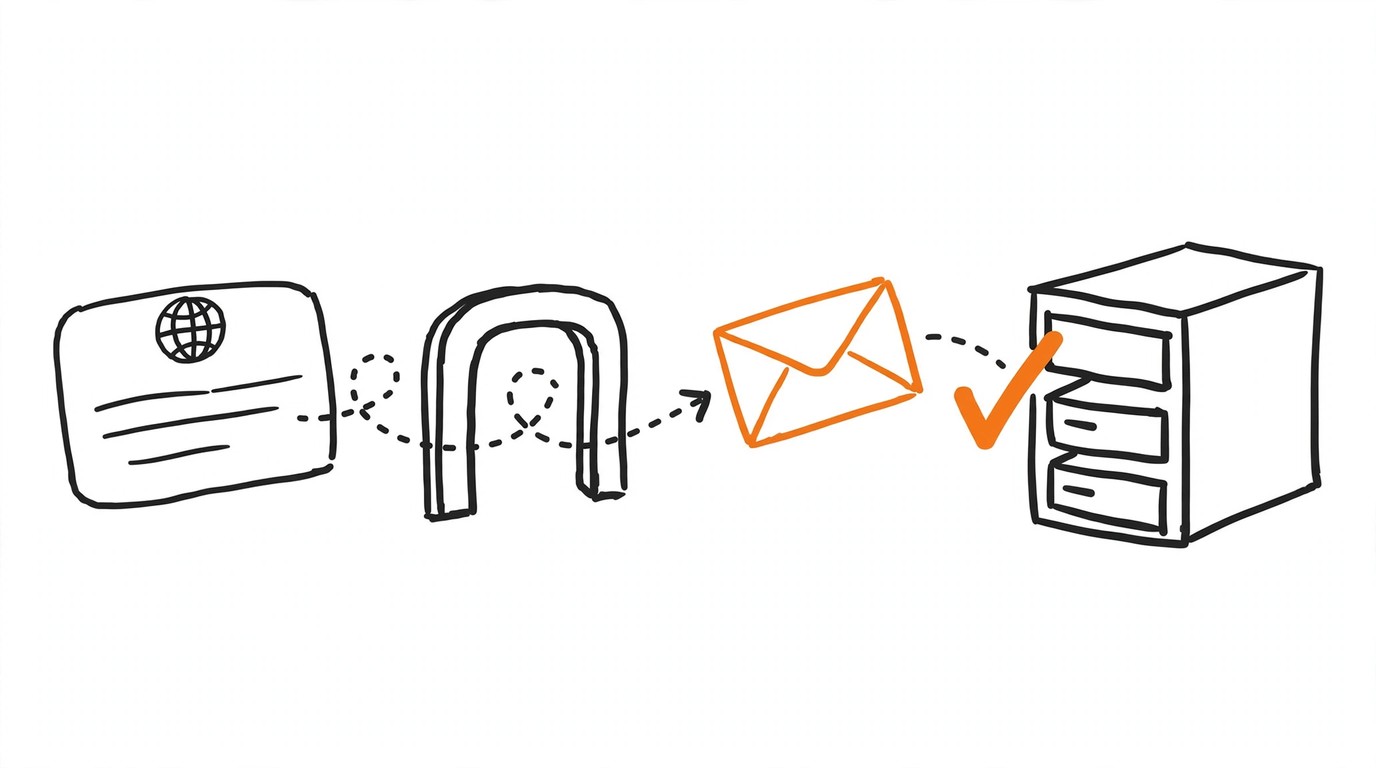
The Meta Conversions API is Meta's server-side channel for conversion data: your server, CRM, app, or tracker posts events straight to Meta instead of relying on a browser tag. This page is the front door to our entire CAPI cluster: what the API does, what a working event needs, how deduplication and validation fit together, and where each specific problem - a late event, a double count, an error code - has its own deep-dive guide.
CAPIWhat Is the Meta Conversions API?
Meta describes the Meta Conversions API as a connection between advertiser data and Meta. The data can come from a server, a website platform, a mobile app, or a CRM, and covers website events, app events, business messaging events, and offline conversions. Every server event must be tied to a dataset ID - Meta's current name for the object most advertisers still call a pixel; a direct integration is your code POSTing events to the API endpoint with that dataset bound to them.
Once delivered, server events are processed the same way as Pixel events, Facebook SDK events, MMP SDK events, offline event sets, and CSV uploads. They are first-class signals, usable for measurement, reporting, and campaign optimization.
Why a Browser Pixel Alone Loses Conversions
A pixel fires inside the user's browser, so every interrupted request or failed page load is a conversion Meta never sees. The Meta Conversions API works from the other side: your server already knows the sale happened and can pass the event along even when the browser reported nothing. It also carries events a pixel cannot express at all - offline purchases, delayed confirmations, CRM entries.
Browser-only measurement also runs into platform limits on iOS, where the browser reports less and opted-out traffic is measured only through Aggregated Event Measurement; the current state of that protocol is covered here: Facebook Aggregated Event Measurement.
What You Need Before Setup
Meta's own checklist is short: a Pixel ID, the same one for browser and server events; a Meta Business Suite account; and an access token that travels with every API call. The token is generated in Events Manager: Settings, the Conversions API section, Generate access token - a section visible only to users with developer privileges for the business.
The Manage button next to Conversions API quietly does the paperwork: it creates a CAPI app and a CAPI system user automatically - no App Review, no manual permission requests. And since Graph API v12.0, a token from Events Manager works with all Graph API versions.
The screen-by-screen walk, token mistakes included, lives in the dedicated guide: Facebook pixel ID and access token.
Four Ways to Set Up the Meta Conversions API
Events Manager offers a guided manual setup. The Conversions API Gateway is the self-serve middle ground: deployed from Events Manager without code, running on cloud infrastructure in your business's own account, and cutting integration time from weeks to hours or minutes. It also generates the deduplication key between browser and server on its own. Partner integrations cover the major platforms; a direct integration remains the fully manual route.
For a first no-code test, the manual path in Pixel Activator needs nothing but a dataset ID and a token; for permanent delivery, automation wins, and we return to it at the end.
Sending Events: Parameters, action_source, and Hashing
A Meta Conversions API request carries a data array - plus a test_event_code while testing - and each event holds event_name, event_time, event_id, and its parameters. event_time is Unix seconds in GMT, at most seven days in the past at sending time; one stale event fails the whole request, and none of its events are processed. For website events, action_source and event_source_url are mandatory at the event level, and client_user_agent is mandatory inside user_data; non-web events need only action_source. Meta CAPI batching and rate limits.
Customer information must be SHA-256 hashed: email, phone number, name, and the other user_data fields, normalized field by field first - lowercased email, digit-only phone with country code, two-letter country codes. Meta's systems are designed not to accept unhashed contact information, and the Business SDK hashes automatically if you would rather not. Every request needs at least one user_data parameter, and since Graph API v13.0 certain parameter combinations are required. Never hash client_ip_address, client_user_agent, fbc, or fbp - and send the fbp and fbc cookie values whenever they exist.
{
  "data": [
    {
      "event_name": "Purchase",
      "event_time": 1790000000,
      "event_source_url": "your-domain.example/checkout-success",
      "event_id": "order-10247",
      "action_source": "website",
      "user_data": {
        "em": "<sha256-of-email>",
        "client_user_agent": "<client-user-agent-string>",
        "fbp": "fb.1.1790000000.1234567890"
      }
    }
  ]
}
Running a funnel without your own website - affiliate offers, for instance - changes the parameter picture; that case has its own guide: Facebook CAPI custom conversions for affiliate offers.
How Pixel and Server Event Deduplication Works
Deduplication matters only if the same event travels twice - once from the Pixel, once through the Meta Conversions API. Meta documents two methods. The recommended one pairs event_id with event_name: the browser eventID and the server event_id must match exactly, and the event names must match too. The second method relies on a consistent event_name plus fbp and/or external_id on both sides.
Either way the window is 48 hours: a duplicate combination arriving at the same dataset within 48 hours of the first event is dropped, and the first copy received wins. The fine print: the second method mainly covers browser-to-server pairs, and nothing deduplicates two events inside the same channel.
When conversions still double up, the cause is usually one of these pairs: Pixel and CAPI event deduplication.
How to Validate Events Before Scaling
After sending starts, give it roughly 20 minutes before concluding anything - that is how fast events become visible in Events Manager. For faster feedback, open Test Events under Events Manager, Data Sources, your dataset, and attach the displayed code as test_event_code.
One detail catches most people: events sent with a test code are not discarded - they land in Events Manager and take part in targeting and measurement like any other event, so test with the discipline you apply to production traffic.
The full pre-scale workflow is in the dedicated guide: Meta Test Events tool validation.
For a one-off manual check, the free Pixel Activator sends valid test events without any server setup. For recurring delivery from a tracker or CRM with deduplication built in, connect Most.
Event Match Quality and Why It Matters
Every Meta Conversions API event receives an Event Match Quality score in Events Manager, on a scale out of ten: how effective the customer information parameters you sent are at matching the event to Meta accounts. Only matched events are eligible for attribution and delivery optimization; unmatched ones feed basic measurement. EMQ currently exists for web events only.
Meta publishes no per-field weights and no target number - a guide naming a specific target score is inventing a threshold. The mechanics are simple: richer, correctly normalized user_data gives matching more to work with. The improvement moves are broken down in the EMQ guide: Facebook Event Match Quality score.
Diagnosing Delays, Discrepancies, and Errors
Events that "never arrive" are often premature panic - remember the 20-minute visibility window and rule out ordinary delay first. Timestamps older than seven days fail an entire Meta Conversions API request - the mechanism behind the infamous error 2804003 - and the only backfill path is the 62-day window for offline and physical-store events. When Ads Manager and your tracker disagree on numbers, that is a counting-rules question, not a broken pipe; when nothing above explains the symptom, audit the pixel setup systematically. bot traffic filtering before CAPI.
Each case has a focused guide:
- What to check when Meta CAPI events are delayed
- Facebook CAPI error 2804003 and the 7-day limit
- Why Ads Manager and your tracker show different conversions
- The Facebook Pixel audit checklist
Automating Delivery: Keitaro, Pixel Activator, and Most
If your funnel runs through Keitaro, the tracker posts conversions straight into the Meta Conversions API with the event mapping in one place; the Keitaro Facebook CAPI integration guide covers the wiring without losing conversions. For manual single-shot tests, Pixel Activator remains the fastest zero-setup entry point. And when delivery must always happen - retries, deduplication, round-the-clock routing from a CRM or tracker - that is the job Most performs in the background.
Meta Conversions API: Frequently Asked Questions
Frequently asked questions
Sources
Sources
- Meta for Developers - Conversions API
- Meta for Developers - Conversions API get started
- Meta for Developers - Using the Conversions API
- Meta for Developers - Conversions API parameters
- Meta for Developers - Customer information parameters
- Meta for Developers - fbp and fbc parameters
- Meta for Developers - Deduplicate Pixel and server events
- Meta for Developers - Conversions API best practices
- Meta for Developers - Conversions API Gateway
- Meta Business Help - About Event Match Quality
- Manual testing and validation: Pixel Activator fires free test events while you tune parameters.
- Automated delivery: Most routes conversions from your tracker or CRM continuously, with deduplication and retries handled.