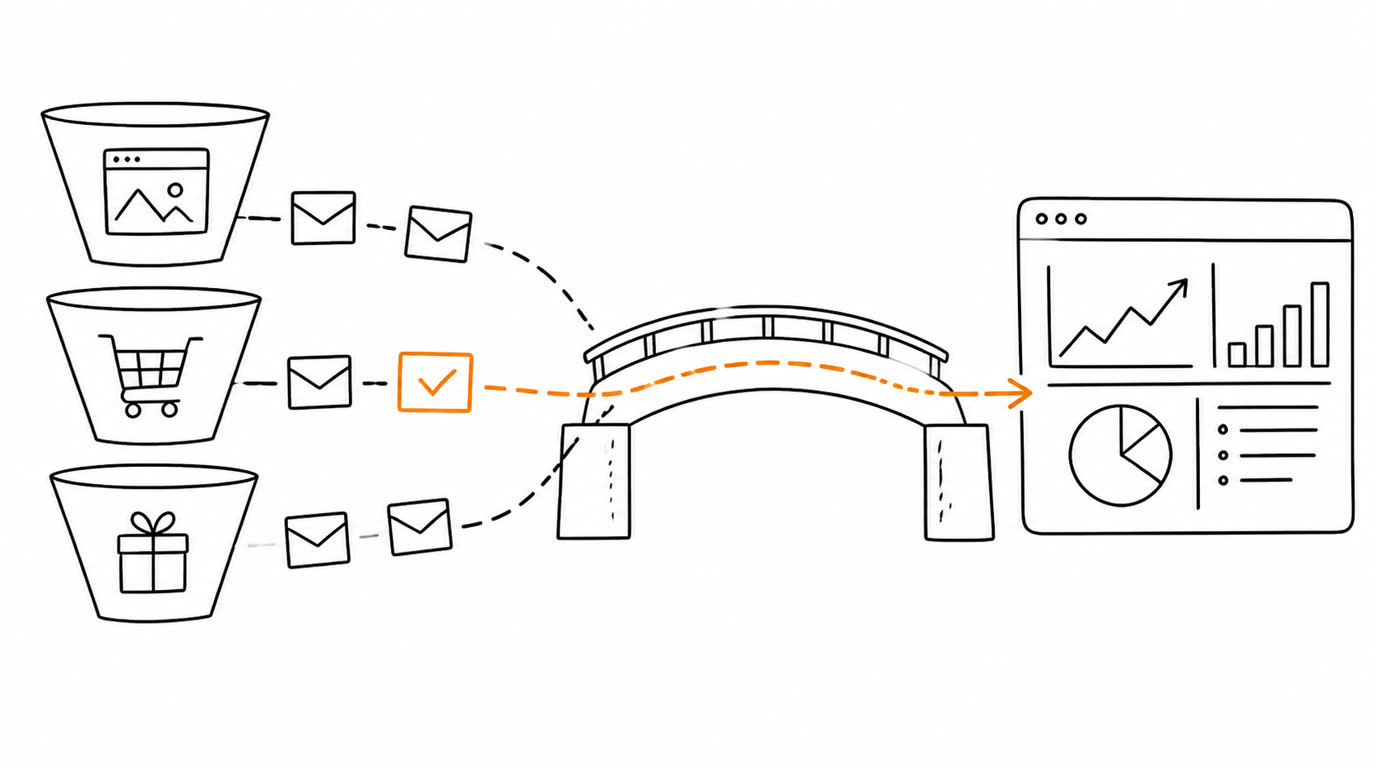
When browser Pixel and Events API report the same conversion, the event_id identifies the action across its two copies; the event name must match too.
Related: TikTok server-side GTM setup, Meta credential setup, and event deduplication.
What are TikTok Events API events?
Server delivery complements the TikTok Pixel. A vague conversion rule or ignored consent and data-handling obligations still make the event unsuitable.
Where are the Pixel Code and access token?
The full walkthrough is in TikTok Pixel ID and access token.
- Open TikTok Ads Manager and go to Tools > Events Manager.
- Select the web pixel used for the campaign and copy its Pixel Code.
- Open the pixel settings and find the Events API section.
- Generate an access token, copy it immediately, and save it in a secret store.
The existing TikTok server-side setup guide covers this route in more detail.
Which TikTok event should you select?
| Conversion action | Typical TikTok event | Do not use it for |
|---|---|---|
| Paid order | Purchase in Events API v1.3; CompletePayment remains a classic Pixel web event | A visit to checkout |
| Lead form submitted | SubmitForm | A form view |
| Registration completed | CompleteRegistration | A registration button click |
| Product added | AddToCart | A product page view |
In TikTok Events API v1.3, Purchase is the recommended standard event, while CompletePayment remains supported as a classic TikTok Pixel web event. The current Pixel Activator selector shows Purchase with a $1 badge; it does not show CompletePayment. The page states that amount-bearing events use value = 1 USD. This describes the visible interface, not verified backend payload behavior, attribution, or production delivery. Keep a written mapping between your business actions and event names to prevent accidental changes when connecting new tools later.
How do you test the server event?
- Add the Pixel Code and token in Pixel Activator.
- Copy the test event code: in Events Manager, open the pixel, go to the Test Events tab, and copy the code shown in the Test Server Events section.
- Paste that code into the "Test event code" field in Pixel Activator.
- Select one event linked to a real test action and send it once.
- Check the platform response: successful receipt means HTTP 200 and
code: 0in the response body. TikTok can return 200 with a non-zerocode; that response is not a receipt. - Open the pixel's Test Events tab in Events Manager and find the event in the Event Activity section; messages about request body problems appear there.
- Remove the test event code before sending production traffic.
If code is non-zero or the event does not appear in the Test Events tab, re-check the Pixel Code, the token, and the test event code, then send once more.
How does TikTok deduplication work?
Generate one ID when the conversion happens and preserve it across browser and server delivery. Do not use a fixed ID for every conversion. The deduplication guide explains why stable per-event IDs matter.
Which data should you review before going live?
- Pixel Code belongs to the correct ad account and site.
- Token has not been exposed or rotated.
- Event name matches the completed business action.
- Browser and server copies of the same conversion use the same event ID and event name.
- TikTok Events Manager shows the expected server event.
Common TikTok Events API mistakes
| Mistake | Symptom | Fix |
|---|---|---|
| Wrong Pixel Code | Event is missing from the expected asset | Copy the code from the selected Events Manager pixel |
| Token exposed | Security risk | Rotate the token and update the protected field |
| Same conversion reported by browser Pixel and Events API | Counts may include duplicate copies | Use the same event ID and event name for those two copies |
| Event chosen too early | Optimisation learns from the wrong action | Map it to the completed milestone |
What should you automate later?
A one-off Pixel Activator test does not establish how a recurring integration captures actions, maps fields, or handles browser and server copies of the same conversion. Check that integration separately before relying on it for production events.
Check your TikTok test event
Why does your TikTok test event look different from what you expected? Send the selected event name, the test action, and a sanitized platform response or Events Manager screenshot. Say whether browser Pixel also reports that action. The first consultation is free.
Do not send passwords or tokens. Remove personal data, Pixel Codes, and account identifiers from examples and screenshots.
Sources
Sources
Test TikTok events with Pixel Activator