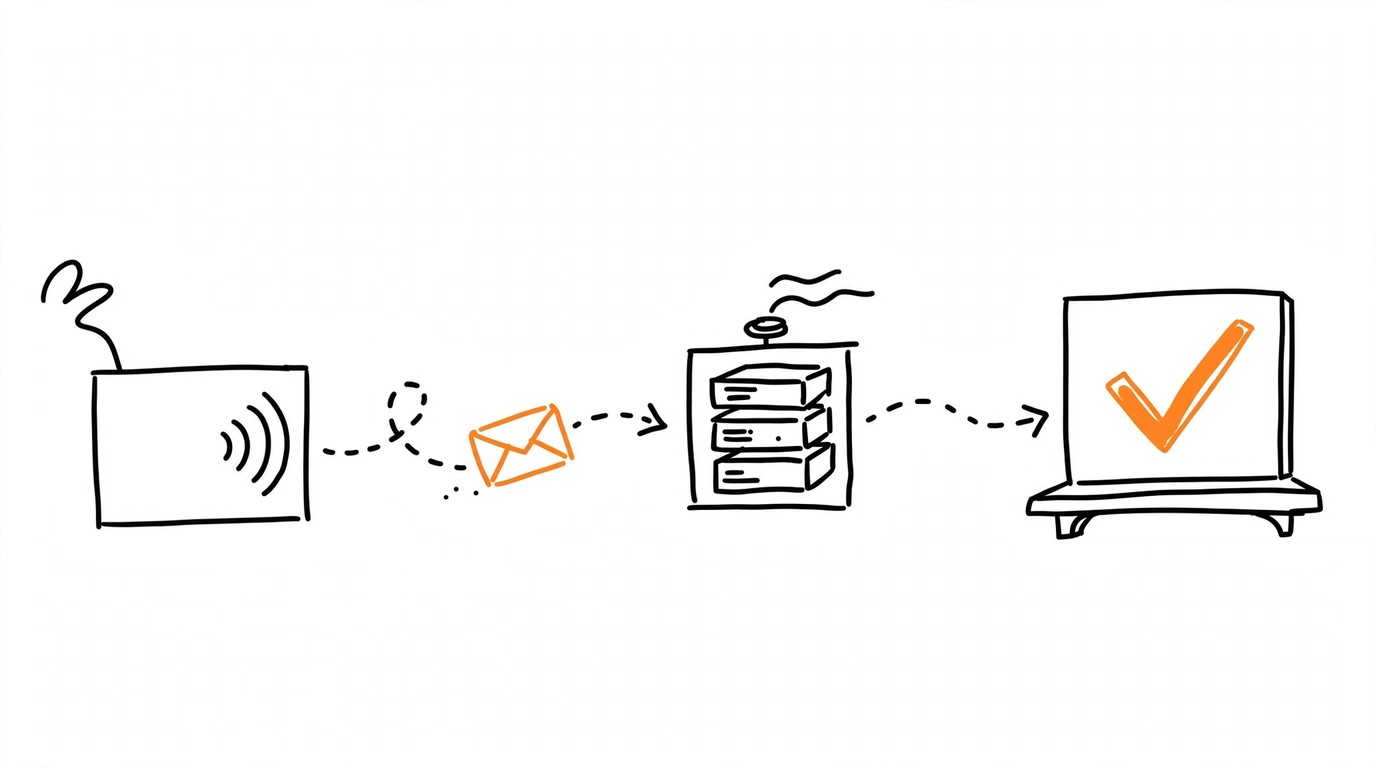
event_id A single blocked pixel fire can cost you a conversion. Ad blockers, ITP, and restrictive CSP headers stop the TikTok pixel script from executing. Events API sends the same conversion data from your tracker's server directly to TikTok, with no dependency on the visitor's browser. This TikTok Events API affiliate trackers guide covers the full path: capturing ttclid, formatting user_data, deduplicating between pixel and server events, testing, and troubleshooting.
Why do TikTok Events API affiliate trackers need server delivery?
Events API delivers conversions through a server-to-server POST request. The event reaches TikTok even when the browser pixel is blocked by an ad blocker, stripped by ITP, or prevented by a Content-Security-Policy header. The pixel still matters: it captures client-side signals (the _ttp cookie, automatic IP/User-Agent collection) that improve match quality. Running both channels together and letting TikTok deduplicate is the standard setup.
Events API also works without cookies, which matters for traffic where third-party cookie consent is absent. One limitation: server-side delivery does not override platform-level privacy decisions. Users who opted out under iOS 14.5+ ATT or European consent requirements are not tracked through either channel.
What is ttclid and how do you use it?
ttclid is a URL parameter TikTok appends to your landing-page link at click time. It is the highest-priority match key for attributing a conversion back to a specific ad click. ttclid is passed unhashed in the Events API request - it is a click identifier, not PII.
Its validity period equals your account's click-through attribution window in Attribution Manager. The default is 7 days, but if you changed the window (click windows can be 1, 7, 14, or 28 days), ttclid validity follows that setting. Check your current attribution configuration in TikTok Ads Manager rather than assuming a fixed 7-day expiry.
To receive ttclid, your landing-page URL template must include the __CLICKID__ macro:
tracker.example/click?ttclid=__CLICKID__TikTok replaces __CLICKID__ with the actual click ID at click time.
How do you capture ttclid in Keitaro?
In Keitaro, use the __CID__ macro in your TikTok traffic source settings. The tracker stores ttclid, the client IP, and the User-Agent at click time, then passes conversion data to the Events API endpoint on an hourly schedule.
Two things to verify:
- The Advertiser ID in the integration must match the campaign you selected. A mismatch produces an error and no events go out.
- The IP you pass must be the client's IP, not the tracker server's IP. If your server sits behind a proxy or CDN, confirm that Keitaro captures the visitor's real address. An IPv4/IPv6 mismatch between click and conversion is a known cause of failed matching.
If you already run Facebook CAPI through Keitaro, the pattern is the same: a traffic-source macro captures the click identifier, and the tracker forwards it server-side.
How do you capture ttclid in Binom?
Binom's minimum working configuration for TikTok Events API is ttclid plus client IP plus User-Agent. Add the __CLICKID__ macro to your landing-page URL template so Binom stores the click ID as a subid parameter at click time.
When a conversion fires (via postback from your CPA network or advertiser), Binom associates it with the stored ttclid and forwards the trio to the Events API endpoint. The same IPv4/IPv6 caution applies: if the click arrived over IPv4 but the postback resolves the server over IPv6, the IP match key breaks.
Automate the whole flow
Most supports TikTok conversion delivery from your tracker to the Events API. Or validate your pixel and token in seconds with the free Pixel Activator.
What goes into user_data - and what do you hash?
TikTok's Events API splits match keys into two categories: fields sent in plain text and PII fields that require SHA-256 hashing. Getting this wrong is the most common reason match quality drops.
| Field | Format | Hashing |
|---|---|---|
| ttclid | raw click ID string | none |
| ip | client IPv4 or IPv6 | none |
| user_agent | full browser UA string | none |
| _ttp | first-party cookie value (second-tier key) | none |
| email (em) | lowercase, trimmed | SHA-256 |
| phone (ph) | E.164 format (+country code, no spaces or hyphens) | SHA-256 |
| external_id | your internal user ID, lowercase | SHA-256 |
| first_name, last_name | lowercase, trimmed | SHA-256 |
| city, country, zip | lowercase, trimmed | SHA-256 |
Phone numbers must be normalized to E.164 before hashing. A number like 8 (912) 345-67-89 becomes +79123456789, then you hash that string with SHA-256.
Currency values use ISO 4217 codes (USD, EUR, etc.), and content_type accepts product or product_group.
How does deduplication work between the pixel and Events API?
TikTok deduplicates on the combination of event_id and event_name within a 48-hour window. If both the browser pixel and your server send an event with the same event_id and the same event_name (exact case match), TikTok counts one conversion. Without a matching event_id, the two events are treated as separate conversions and your numbers inflate.
There is also a shorter auto-merge window: events arriving within roughly 5 minutes of each other from the same source may be merged even without an explicit event_id. Do not rely on this. Always generate a unique event_id string per conversion and use the identical value in both the pixel call and the server request. One ID per conversion.
When deduplication fires, TikTok retains one event. According to partner documentation, the event with the most parameters (typically the server-side one) is kept. The mechanism for building a stable event_id is the same principle described in event_id and deduplication: one conversion, one identity, everywhere.
What are TikTok's attribution windows - and why do tracker numbers differ?
Partner documentation describes the default attribution window as 7-day click-through plus 1-day view-through. TikTok also offers flexible windows: click can be set to 1, 7, 14, or 28 days; view to 0, 1, or 7 days; and engaged view (a view of at least 6 seconds without a click) to 1 or 7 days. Check your current settings in Attribution Manager inside TikTok Ads Manager, because these values are configurable per campaign.
Tracker-to-Ads-Manager discrepancies usually come from two sources:
- Attribution window mismatch. Your tracker counts a conversion at the moment the postback fires; TikTok attributes it only if the click falls inside the configured window.
- Batch timing. Keitaro, for example, sends data hourly. A conversion at 14:59 may appear in TikTok's reporting an hour later than in your tracker's real-time log.
Neither is a bug. Compare numbers after the attribution window closes and allow for the batch interval.
How do you test the setup with test_event_code?
Add the test_event_code parameter to your Events API request. Test events appear in the Test Events tab at events.tiktok.com, typically within 60 seconds, and do not affect production optimization or bidding.
To find your pixel's base code and settings: in TikTok Ads Manager, go to Assets, then Web Events, select your Pixel, open Settings, and view the base code. The test_event_code is generated from the same location.
Remove test_event_code from production requests before going live. Events sent with a test code are not counted toward optimization, so leaving it in silently zeroes out your conversion signal.
Why are conversions not reaching TikTok? Troubleshooting
The per-code reference lives in TikTok Events API error codes. Check four things first:
- Token validity and permissions. Access tokens can expire or carry insufficient permissions for the target pixel. According to partner documentation, the access token is not stored after the initial display in Events Manager - if you did not copy it at creation time, generate a new one.
- pixel_code / event_source_id match. The identifier in your request must correspond to the pixel connected to the ad account running the campaign.
- event_id presence. Without
event_id, deduplication cannot work and you get double-counting rather than zero events - but a missing or malformed event structure can cause silent drops. - Events visible in the Test Events tab but absent from production reporting? The test code is still in your requests. Remove
test_event_code.
This is the same class of problem as Facebook's token and pixel ID setup: tokens shown once, identifiers that must match exactly, and silent failures when they do not. For the TikTok-specific walkthrough, see Find your TikTok Pixel ID and generate an Events API access token.
What is Event Match Quality and how do you read it?
Event Match Quality (EMQ) measures how many of your match keys TikTok can successfully associate with a user account. There is no single universal threshold for a "good" score - it varies by industry, event type, and the mix of identifiers you send.
Practical steps to improve EMQ:
- Always include ttclid (highest priority), client IP, and User-Agent.
- Add hashed email or phone when your funnel collects them.
- Confirm that PII fields are actually hashed (SHA-256, lowercase, trimmed) and that IP/UA are not hashed.
- Verify there is no IPv4/IPv6 mismatch between the click and the conversion event.
What privacy limitations affect Events API tracking?
Events API cannot track users who opted out under iOS 14.5+ App Tracking Transparency or under European consent requirements. If a user declined tracking, the event will not match to their account regardless of how many identifiers you send.
Server-side delivery still works without cookies for consenting users, which is an advantage over the browser pixel in environments where third-party cookies are stripped. Events API removes the browser as a failure point while the user's consent decision still applies.
How do you automate TikTok Events API sending from your tracker?
Manual setup means watching token expiry, formatting user_data fields correctly on every send, generating unique event_id values, and keeping the pixel and server events in sync for deduplication. At volume, that is a recurring maintenance task.
Most supports TikTok conversion delivery from your tracker. For the specifics of what is supported in your setup, check Most directly.
If you are warming a new TikTok pixel with historical conversions from your tracker, the same pixel warming principles apply: introduce signal gradually rather than dumping a full backlog at once.
How do you quickly validate your pixel and token?
Before wiring up the full automation, validate the credentials in isolation:
- Open the free Pixel Activator.
- Paste your Pixel ID (
event_source_id) and Events API access token. - Fire a test event and confirm it arrives in TikTok's Test Events tab.
This catches token typos, expired tokens, and pixel-code mismatches in seconds. Once the test passes, switch to Most for the automated path: scheduled delivery, deduplication, and field mapping without manual cURL calls.
Need help finding your Pixel ID or generating a token? See the step-by-step guide: Find your TikTok Pixel ID and generate an Events API access token.
Frequently asked questions
Sources
Sources
Start sending TikTok conversions with Most
Automate conversions from your tracker to TikTok with Most - or fire a quick test right now with the free Pixel Activator.