What TikTok Smart+ Web Campaigns Automate
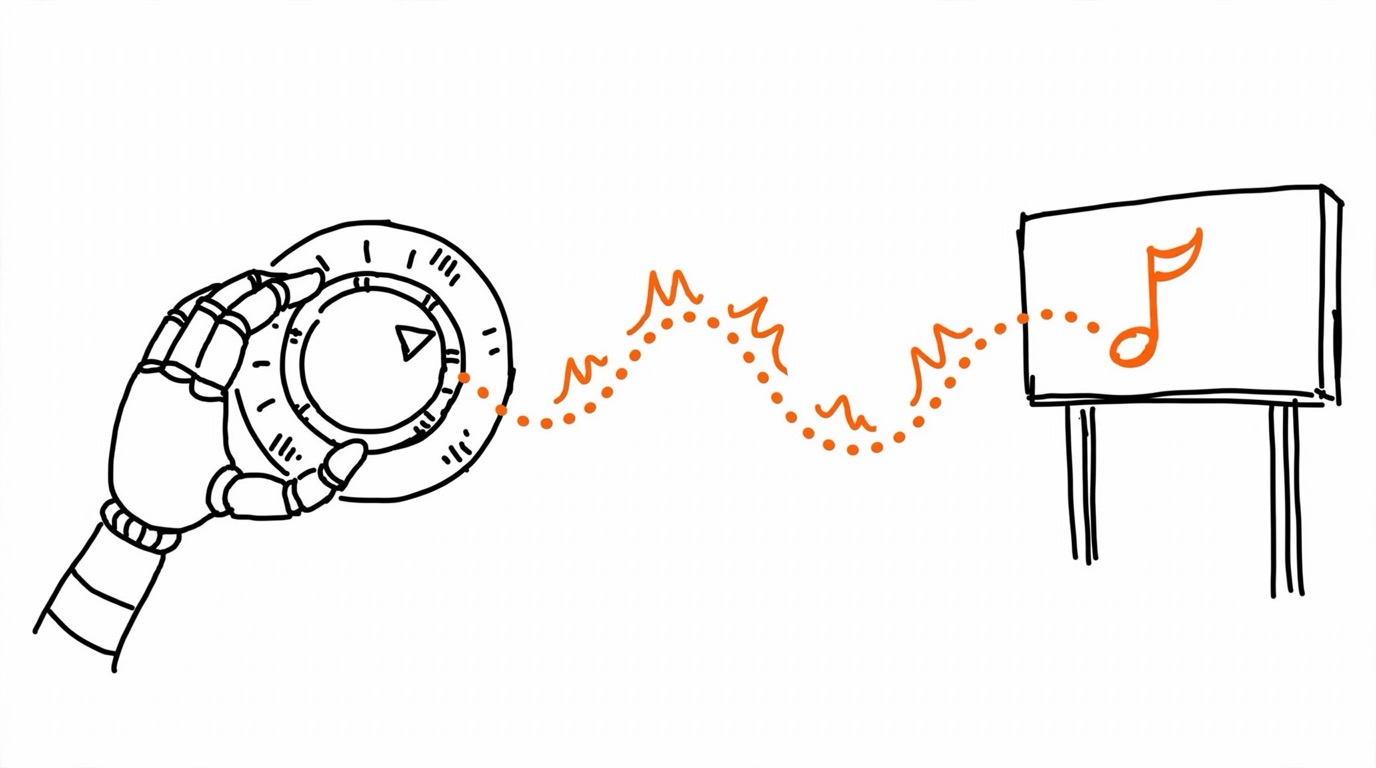
TikTok Smart Plus Web campaigns are the platform's AI-driven campaign type for website conversion goals. The automation covers the layers that used to be manual work: campaign setup is simplified, optimization and bidding run from a single goal selection, creative gets fatigue detection and auto-refresh with budget shifting toward the best performers, and targeting shrinks to a handful of inputs - location, language, gender where available, and audience exclusions - while the system handles the rest.
The manual surface is deliberately small. Placements are automatic: a Smart+ Web campaign spans TikTok, TikTok Pangle, Search, and Lemon8 where available, and manual placement selection is not supported - you would need a non-Smart+ campaign to exclude a placement. For arbitrage buyers this is a real budget consideration: TikTok Pangle sits in the automatic mix, you cannot switch it off, and low-quality placements inside an automated rotation are a known cost of the format - watch your quality metrics rather than assuming Ads Manager placements only. The campaign objective is Sales with the Website destination, and inside it optimization goals cover Value, Conversion, Landing Page View, and Click; all bidding strategies are supported, and catalog-driven Video Shopping Ads (Smart+ Catalog Ads) plug into your product feed with up to 30 additional media assets.
That design has one consequence buyers keep underestimating: automation amplifies whatever signal it receives. Clean, complete, fast-arriving conversion events make Smart+ sharp; thin or delayed signals make it confidently wrong. The rest of this guide is about the signal side.
The Signal Foundation: Pixel and Events API Together
TikTok's own best-practices doc for Smart+ Web Campaigns opens with data connections, and the recommendation is explicit: set up the TikTok Pixel and the Events API. The two channels cover each other's blind spots - the pixel sees browser sessions in real time, the Events API delivers server-side events that survive ad blockers, in-app browser quirks, and truncated checkout flows. Smart+ bidding consumes this stream to decide whom to show ads to; holes in the stream read to the algorithm as conversion deserts.
For affiliate and tracker-driven setups, the server channel matters even more, because your conversion source is a postback, not a browser page. The pattern is the standard one: land the click, preserve the click identifier, and emit an Events API event when the postback arrives - TikTok Events API delivery from trackers maps the whole flow. Match quality decides how much of that signal Smart+ can actually use, so pair the setup with TikTok enhanced matching - hashed emails and phones raise match rates substantially.
The token that authorizes the Events API is part of the same foundation: without a valid access token the server channel silently dies, and Smart+ optimizes on pixel data alone. The provisioning flow is in the TikTok pixel ID and access token guide.
Creative and Catalog Inputs Smart+ Expects
Signal is not only events. Smart+ Web best practices ask for at least six creative assets at campaign creation, because the system optimizes by testing combinations - CTAs, formats, variations - and shifting budget toward winners. Underfeeding creative starves the same learning loop that your conversion signal feeds. The catalog layer matters for e-com specifically: with a product feed connected, Smart+ Catalog Ads add product ranking and catalog creative (product cards, tiles, catalog carousels) on top, with the option to attach up to 30 additional videos or images.
Budget Rules and the Learning Phase
TikTok's budget guidance is specific because Smart+'s learning phase is fragile. Start a Smart+ Web campaign with a daily budget of at least 10 times your historical CPA for comparable objectives; for Target CPA or Minimum ROAS bidding, the ideal is 30 times with 10 times as the floor. During the first seven days, significant edits to bid, audience, or creative can reset or degrade learning - the official advice is to let the campaign run untouched. After the first week, experiment with bid edits of up to 15 percent every two days.
Two delivery tips come straight from the same doc. If a campaign uses view-through attribution and is not spending its budget, toggling off view-through tracking can unlock delivery. And a campaign that regularly exhausts 90 percent or more of its daily budget is the candidate for a budget increase of up to 30 percent - volume grows while the algorithm keeps its optimization target.
Treat these as one system with the signal layer: a campaign that fires seven days of learning on broken or missing Events API data has burned its budget educating the algorithm on noise. Signal first, budget second.
Feeding Smart+ From Tracker Postbacks
For tracker traffic, the setup that feeds Smart+ is server-side by nature. Each conversion leaves the tracker as a postback; your job is to turn that postback into an Events API event with three properties: it arrives fast (delayed events fall outside TikTok's attribution expectations), it carries a stable event_id, and it keeps the TikTok click identifier (ttclid) intact from landing to delivery, because that identifier is what ties the server event back to the ad click. Note that in a pure CPA postback flow there is no pixel-side purchase to deduplicate - the pixel fires pageview and click events on your prelander, while the final conversion arrives only through the API. Event ID deduplication becomes relevant the moment both channels fire for the same action - for example lead forms on your own prelander - and it is what makes the combined Pixel-plus-API setup count each action once.
Event ID deduplication is what lets you run the Pixel and the Events API simultaneously - which is exactly the configuration Smart+ best practices recommend - without counting every purchase twice.
Manual payload plumbing does not scale across many landings and campaigns. Pixel Activator for TikTok Events API provisions the connection for a landing page without code - the free tool lives at Pixel Activator - and MOST automates delivery, retries, and deduplication across trackers centrally. Once the signal flows, diagnose any remaining gap between Smart+ results and your tracker numbers with the TikTok conversion discrepancy guide, and use the TikTok Events API and pixel guide as the cluster's entry point.