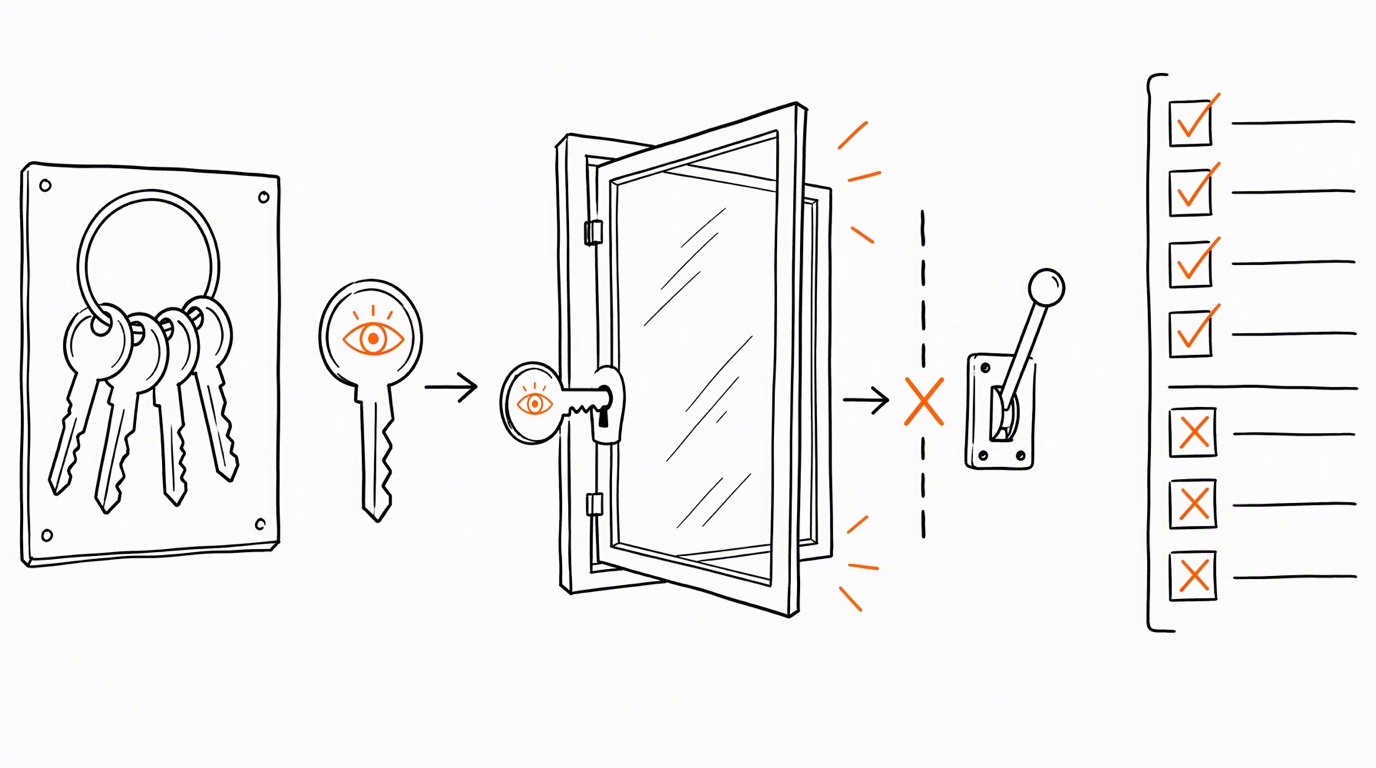
Google ads read-only access is one account role. It does not grant GA4, Tag Manager or Search Console access. Start an audit with the specific resources, effective permissions and checks the owner has authorized.
A role name also does not mean that every available action is non-mutating. Google's Read-only account role can grant email-only access and edit reports. If your agreement excludes changes, the procedure must exclude those actions even when the role permits them.
What the Google Ads role permits
Google's account-role table grants Read-only these capabilities: viewing campaigns and using planning tools, viewing billing information, editing and running campaign and billing reports, receiving notification emails and reports, viewing users, managers and product links, and granting email-only access.
The table reserves campaign edits for Standard and Admin. Reviewing each user's authentication method and last login requires Admin. Managing product links and broader account access also has its own higher-level requirements. Request the specific missing observation from the owner rather than asking for unrestricted access.
A campaign-view permission should not be stretched into proof that every diagnostic screen is visible. For a planned check, record whether the relevant screen or API resource was actually available. An unavailable screen leaves the finding unverified; it does not establish that the configuration is absent.
Record each other product independently
| Product | Permission to record | Scope to verify |
|---|---|---|
| GA4 | Effective role and data restrictions | Account and property, including inherited grants |
| GTM | Account permission and each container permission | Exact containers needed for the audit |
| Search Console | Owner, Full, Restricted or association status | Exact property and permitted report or action |
GA4 Viewer can see settings and data and can create, edit and delete its own explorations. Effective access combines direct and inherited permissions. Record data restrictions separately; a role name alone is not a complete description of access. Role assignment requires an Administrator at the relevant account or property level.
GTM distinguishes account-level Admin or User from container-level No access, Read, Edit, Approve and Publish. Container Read permits browsing tags, triggers and variables without changes. Confirm each required container instead of treating access to the account as proof of access to every container. Check the particular version or diagnostic view before promising coverage of a published-versus-workspace comparison.
Search Console owners control the property and user management. Full users can view all data and perform some actions; Restricted users have basic view rights on most data. Associates are different: they can perform specified associated tasks but cannot directly open the Search Console account or view its data. Do not substitute an association for the property access the audit needs.
Separate OAuth, user roles and API access levels
The scope reference lists https://www.googleapis.com/auth/adwords. The Google Ads access-model documentation explicitly says it does not use separate OAuth scopes for read-only and read-write operations. Granting that scope does not independently grant access to a customer's account.
API operations follow Google Ads user roles and account-hierarchy inheritance. When roles conflict, the login-customer-id account determines the applicable path and effective role. Record the authorizing identity, target account and manager path. A Read-only grant on one path does not establish the effective role through another.
Project/API access levels are a separate control. The access-level table lists four: Test, Explorer, Basic and Standard. Test is limited to test accounts; the other listed levels can access test and production accounts subject to their documented limits. These levels concern API availability and operation limits, not whether a user is an account administrator.
Keep the requested methods within the audit agreement even when credentials allow more. Do not describe the scope string or a project access level as a read-only safeguard. The Google Ads API access audit addresses this layer separately.
Classify checks before collecting findings
| Check | Evidence needed | Next step if unavailable |
|---|---|---|
| Campaign configuration | Named account view or API result | Confirm effective account access |
| Last login of another Ads user | Observation supplied by an Admin | Request that observation without guessing |
| GA4 cost comparison | Relevant property data and restrictions | Verify restrictions and the report used |
| GTM tag configuration | Correct container and readable settings | Request access to that container |
| Search Console report | Correct property and report | Ask the property owner for the required grant |
| Live conversion delivery | Controlled request and destination diagnostics | Agree a separate test and its effects |
Opening or reloading a landing page can trigger tags and create measurement traffic. Do not promise that a reload has no side effects merely because it is an HTTP read. Agree how live tests will be distinguished from ordinary data.
An advertising click identifier missing from the dataset used for a join may be a data-model issue rather than a permission issue. Identify the needed field and source before escalating access. The offline conversion import audit covers the separate import checks.
Keep the access record with the conclusion
For each check, record the product, resource identifier, effective role, restrictions, observation date and evidence location. Label examples and templates as examples; do not put an invented inspection date into a completed-looking record.
Separate configuration observations from operational tests. A visible conversion setting does not prove a live event reached the destination. A reported conversion does not by itself prove the attribution relationship you intended. State exactly which observation supports the conclusion.
When access is insufficient, request a bounded record or grant from the owner. Keep the unresolved check in the report so a later reader does not confuse missing coverage with a passed check. For spend comparisons across products, also record the reporting definitions; the Ads versus GA4 cost audit addresses differences a role change cannot resolve.
Which permission blocks your planned Google audit check?
Do not send tokens or passwords.
Sources
Sources
- Account access levels: Google Ads
- Manage account access: Google Ads
- Access and data restrictions: Google Analytics
- Users and permissions: Google Tag Manager
- Owners, users and permissions: Search Console
- OAuth scopes: Google APIs
- User-role inheritance: Google Ads API
- API access levels and permissible use: Google Ads API
Turn granted read access into a prioritized plan