Keitaro Postback Setup for Facebook and TikTok Conversions
How the postback chain works
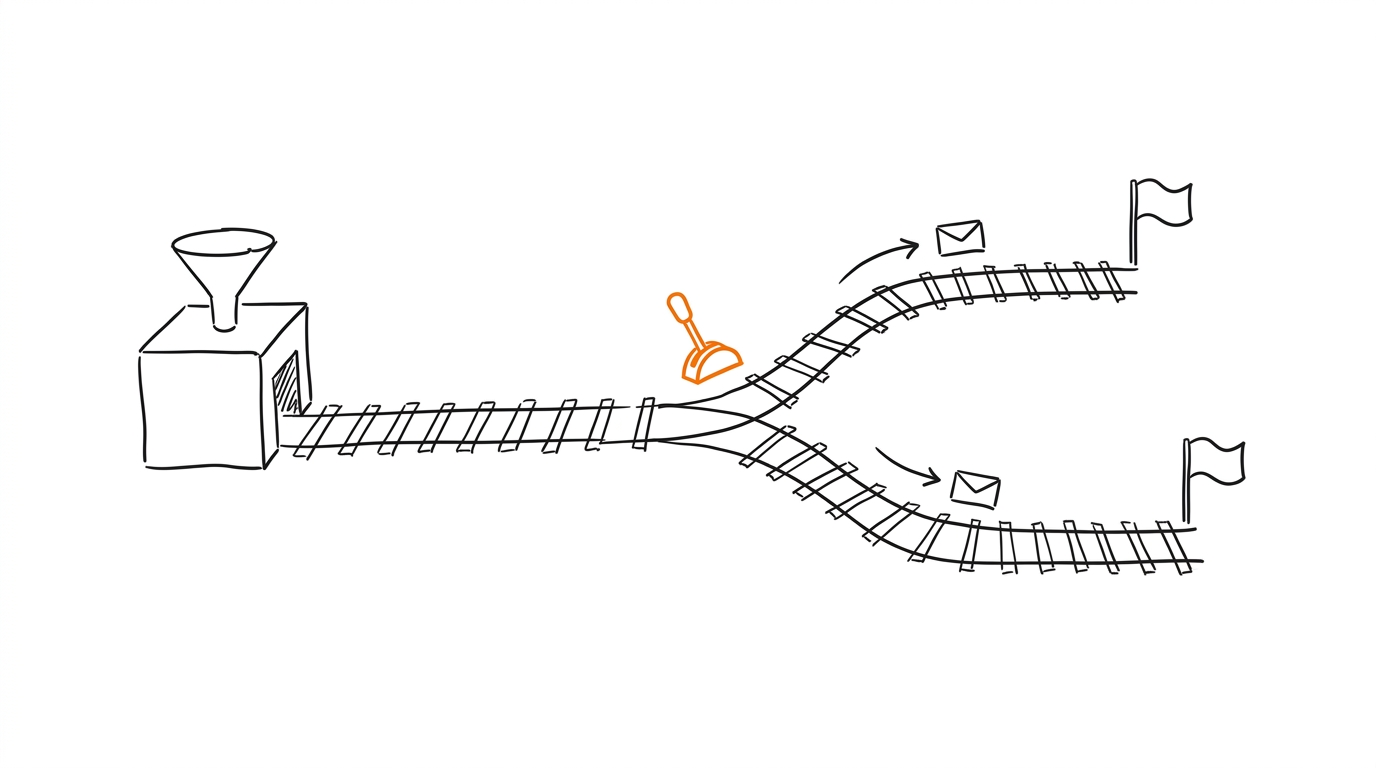
The flow has three hops:
- A click lands in Keitaro with a
subidcaptured from the campaign URL. - The offer or network calls the Keitaro postback URL and passes the payout.
- Keitaro relays the conversion to Facebook or TikTok using stored tokens.
Keep the Keitaro Facebook Conversions integration open while you work. If you still need the pixel credentials, finish Facebook pixel ID and access token first. The same postback logic underpins both platforms, so the concepts carry over.
offer callback -> Keitaro goal -> platform postback
macros: {subid} {payout} {status}
Configure the Facebook postback
Steps inside the tracker:
- Open Keitaro, then Maintenance, then Integrations, and add Facebook Conversions.
- Paste the pixel ID and the access token from Facebook pixel ID and access token.
- Map the goal to the
Purchaseevent and bind the value macro to{payout}.
postback url placeholder: your-tracker.example/postback?subid={subid}&payout={payout}
event: Purchase
value macro: {payout}
For the full CAPI walkthrough, including the 7-day backfill limit, see Facebook CAPI in Keitaro. Send a matching event_id so the browser pixel and the server event deduplicate; the mechanics are explained in event_id and deduplication.
Configure the TikTok postback
TikTok uses the pixel plus an events API rather than a classic S2S postback, so the click ID travels in the URL and the conversion is matched on the server side. The official reference is the Meta Conversions API documentation for Facebook and the TikTok developer documentation for the Events API; Keitaro wraps both behind one integration screen.
- In Keitaro, open Maintenance, then Integrations, and add TikTok Pixel.
- Enter the pixel ID and copy the pixel snippet onto the landing page.
- Forward the goal as the
CompletePaymentevent and bind value to{payout}.
tiktok pixel id: 1234567890
event: CompletePayment
click id macro: {subid}
Warm the pixel before scaling spend so the model has stable history; the cadence is covered in pixel warming.
Verify the postback fires
- In Keitaro, open Maintenance and run a test postback for the goal.
- Check the Keitaro log for a
200response from the platform endpoint. - Confirm the event in Facebook Events Manager under Test Events.
- Confirm the event in the TikTok Events Manager test view.
If the value is missing, re-check the {payout} macro binding. If the platform returns an auth error, regenerate the token and repeat the test. MOST can take over this routing once volume grows: MOST automates conversion routing and reporting across platforms. For a free manual setup, Pixel Activator activates the pixel without a tracker.
After the integration is connected, conversions from Keitaro goals are sent to Facebook automatically.