What You Are Actually Deploying
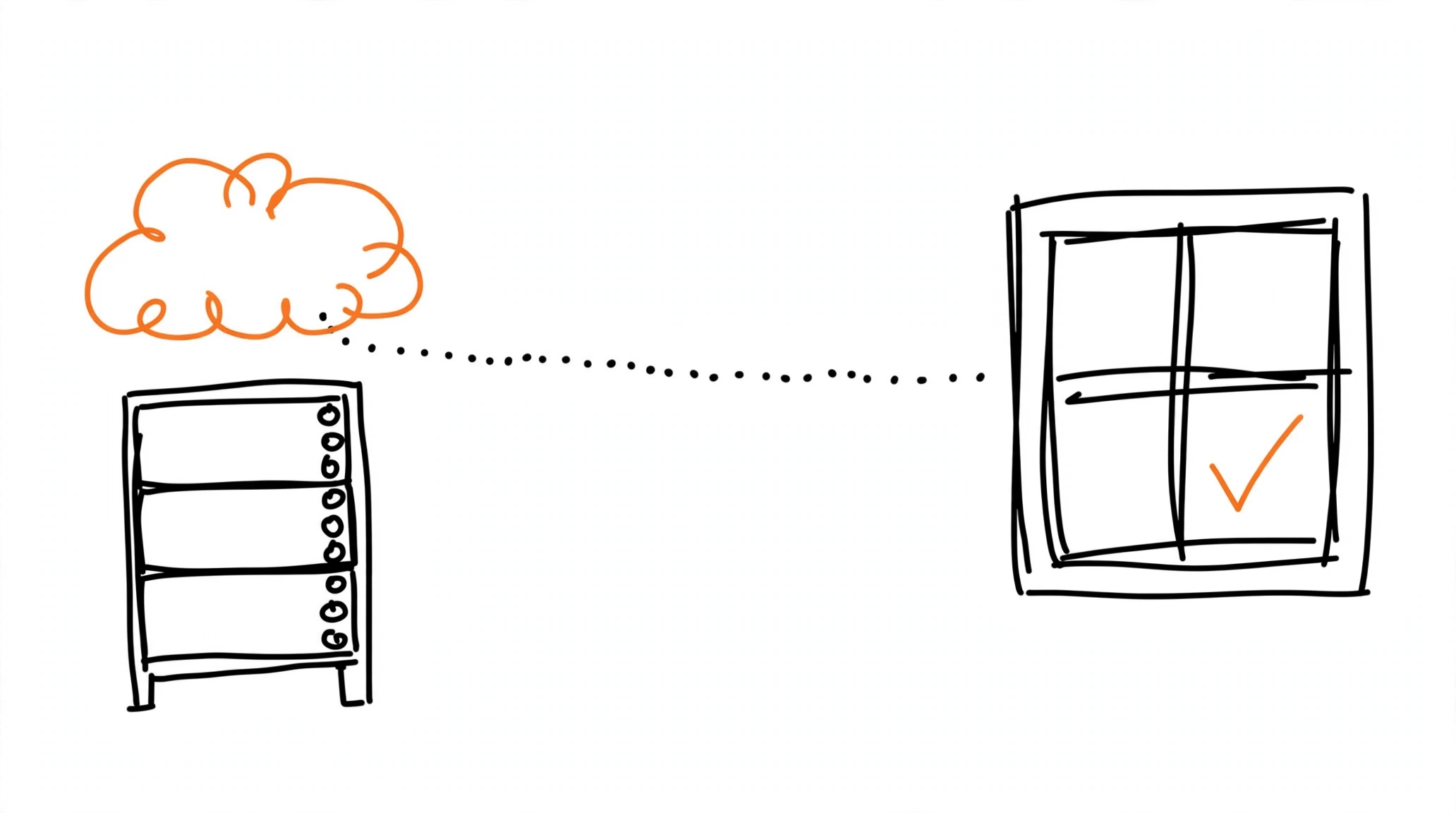
Meta's CAPI Gateway - Conversions API Gateway - is a self-serve bridge between the pixel and the server API: instead of building a direct Conversions API integration, you provision a server instance in your own cloud account, and Meta's Events Manager walks you through it with no coding required. Architecturally it is a redundant pair - your Meta Pixel, configured with the Gateway endpoint, sends each event both to Meta and to the Gateway; the Gateway then transforms browser events into Conversions API events and forwards them to Meta. For vocabulary, see conversions API.
Two components ship inside the deployment. The middleware module receives incoming browser events, converts them, and delivers them through the Conversions API connection; the admin portal is a web UI for operating the instance - connected pixels, event volumes, the Conversions API success rate, and notifications. One detail removes a whole class of work: the event_id deduplication key is generated and propagated automatically between the pixel and the Gateway, so the usual deduplication plumbing comes pre-built.
The Gateway is a standalone Meta product with real infrastructure requirements: it runs on AWS EKS, AWS ECS Express, or GCP, provisioned inside a cloud account that the business owns. That is what "self-hosted" means here - not a docker container on a spare VPS, but a managed stack in your cloud, with the predictable cloud costs that implies.
Provisioning from Events Manager
Documented flow starts in Events Manager's Settings tab: under Set up with Conversions API Gateway, click Get started. The wizard first asks you to review prerequisites, then offers two settings worth enabling: Enhance events, which Meta says can improve conversion attribution and event performance, and Gateway health monitoring, which lets Meta troubleshoot problems more effectively.
Then the cloud choice. The current options are AWS ECS Express - listed in Meta's setup guide as starting from 40 dollars per month - or AWS Elastic Kubernetes Service, from 300 dollars per month, both supporting up to 5,000 domains; GCP is the third listed platform. You also pick a hosting region, and Meta allows only one region per Gateway. Clicking Next opens AWS directly, or Copy URL hands the deployment link to whoever administers your organization's AWS account.
The CloudFormation Stack and the Admin UI
AWS opens a quick-create CloudFormation page with every field pre-populated, and Meta's warning is specific: leave the ProvisioningData field alone. Create the stack and wait - the creation process takes approximately 30 to 40 minutes, and the stack status reads CREATE_COMPLETE when it finishes. An Outputs tab then carries three values: BastionHost, CapigSetupURL, and InstallationLogLocation. Of the three, CapigSetupURL matters next - it opens the Conversions API Gateway Admin UI (served at the /hub/capig path of the Gateway endpoint), and Meta notes it is also visible inside Events Manager.
First login to the admin UI creates the admin account. Expect the dashboard to show zeros at first: Meta says server and browser data take from five minutes to two hours to populate, and if events still have not appeared after two hours, that is the documented point to contact Meta. From there the admin UI shows event activity from both channels and the Conversions API success rate - the percentage of browser events actually published to Meta - which is the closest thing the Gateway has to the test-events validation habit in a direct integration.
One documented gotcha trips installations that never leave the wizard: expired provisioning data caused by browser autocomplete silently refilling old values. Meta's fix is to copy the launch URL, compare it against what landed in the ProvisioningData field on the AWS page, and turn autofill off if they disagree.
Custom Domain and Multi-Pixel Management
Meta recommends a custom domain for the Gateway, noting it may help optimize data routing and reduce costs. The configuration lives in the admin UI under Domain management in the Settings sidebar, with a choice between two DNS providers: AWS Certificate Manager (ACM) or Cloudflare. You will need access to your DNS provider to complete it - the same first-party-domain discipline that Safari's ITP makes valuable, as covered in ITP cookie restrictions and server-side tracking.
Scale-out is part of the product: one Gateway instance supports multiple domains and multiple Meta Pixels. New connections, additional domains, and new pixels are managed from Events Manager's Partner Integrations section - and for a second pixel on the same instance, the Existing Conversions API Gateways section has a Connect button that onboards it without a new deployment. Within one stack, up to 5,000 domains are supported.
What It Costs - and When It Is Worth It
Per Meta's own framing, the only cost of the Conversions API Gateway is the associated cloud resource or partner fees. Self-hosted on AWS, that means the numbers from the setup guide - ECS Express from 40 dollars a month, EKS from 300 - plus whatever your region and traffic add on the AWS bill. Against that sits the maintenance reality: auto-updates exist, but they apply with host admin consent, meaning someone still owns the stack - upgrades, monitoring, region, and billing.
That trade is the whole decision. The Gateway earns its keep for teams with cloud infrastructure and many domains or pixels on one stack; the Gateway versus direct integration comparison walks the full decision. For an affiliate funnel where the goal is server-side delivery without owning infrastructure, a delivery tool is the lighter path: MOST delivers tracker postbacks to Meta's Conversions API alongside TikTok, Reddit, Pinterest, Snapchat, and OpenAI, and the free Pixel Activator covers Meta delivery for a single landing - no cloud account, no stack, no 30-minute waits.