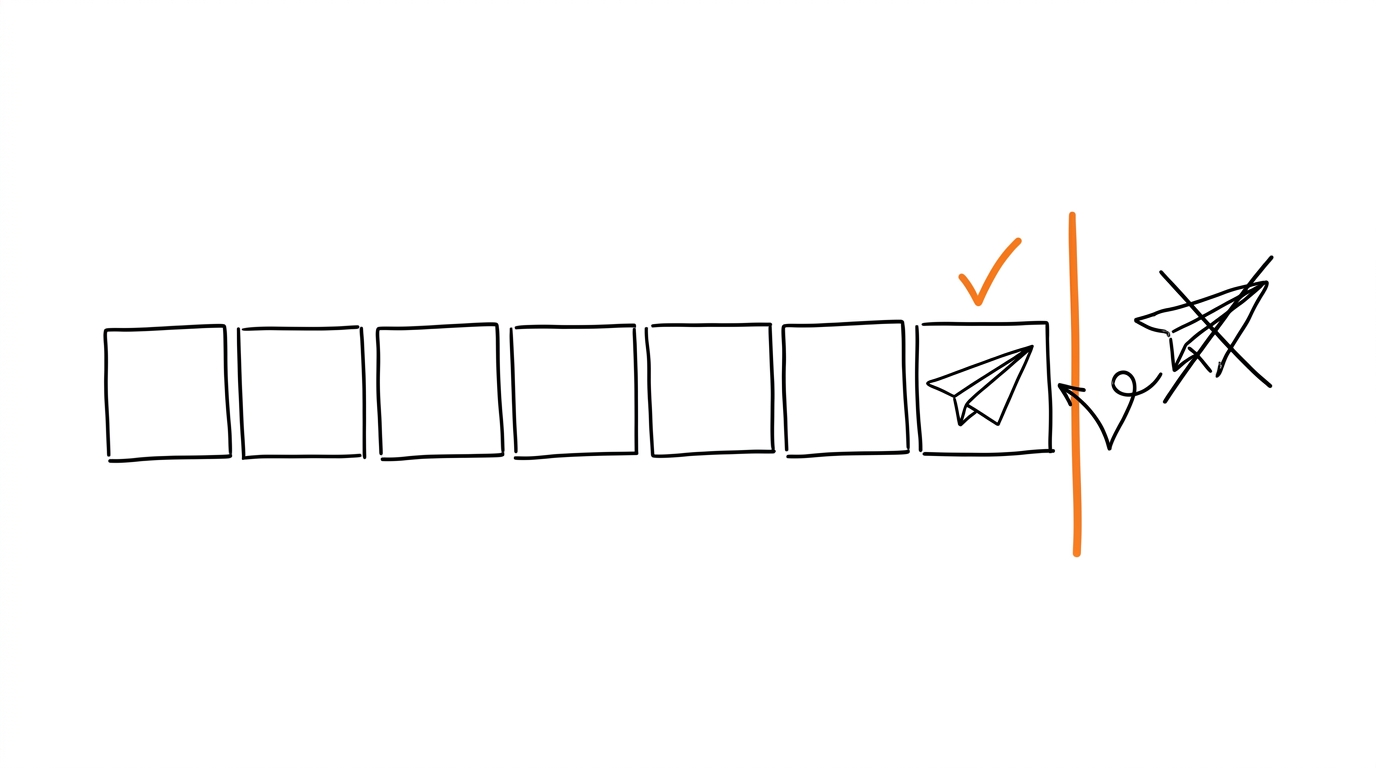
event_id If you need to send conversions to Facebook that occurred more than a week ago, the server-side API will return an error. Facebook strictly limits the delivery time of events. Below, I will show you how to solve this problem using a time-shifting algorithm without breaking your analytics.
For a quick start and to test your access tokens, you can use our free tool.
Quick CAPI token and event test
Before setting up full automation, test your access and send a test lead manually using the free Pixel Activator.
What is the Conversions API and why use it?
The traditional Facebook browser pixel loses data. Ad blockers, private browsing modes, and iOS restrictions (ITP) prevent the JavaScript code on your landing page from recording a purchase.
The Conversions API solves this problem by transmitting events directly: a tracker like Keitaro records the conversion and sends it to Meta's servers via a POST request. The client's browser is not involved, meaning the data cannot be blocked. Using a hybrid approach (browser + server) allows you to collect maximum data for campaign optimization. However, proper identifier setup is mandatory, which is detailed in the guide on event_id and deduplication.
Why does Facebook reject events older than 7 days?
Meta's targeting algorithms operate in real-time. The ad system continuously learns from user behavior. If you upload purchase data from a month ago, the algorithm will try to associate it with current impressions, leading to false learning.
To prevent this, the Conversions API has a hard limit: the event_time parameter must fall within the last 7 days from the moment it reaches Facebook's server. Anything outside this window is discarded. This restriction is especially frustrating when launching fresh ad accounts, as media buyers often try to use an accumulated base of leads. Read more about training strategies in the pixel warming guide.
What does error 2804003 mean in Events Manager?
When a tracker attempts to send an old conversion, the Meta API returns a JSON response with an authorization or data processing error. In your integration logs, it looks like this:
{
  "error": {
    "message": "Invalid parameter",
    "type": "OAuthException",
    "code": 100,
    "error_subcode": 2804003,
    "is_transient": false,
    "error_user_title": "Event Occurred Too Long Ago",
    "error_user_msg": "The event_time parameter specifies a time that is more than 7 days in the past. To ensure accurate attribution, events must be reported near the time they occurred."
  }
}
This error means the event was deleted without being processed. You won't be able to train the pixel with these leads using standard methods.
What is the danger of incorrect time adjustments?
The first solution that comes to mind is replacing the event_time in the request with the current time (the sending timestamp). However, this breaks the deduplication logic.
If a user made a purchase on the site, the browser pixel sent a Purchase event with the original time. If the CAPI server sends the same event with a shifted time, Facebook will not be able to match them temporally and will count the purchase twice. Your ad account statistics will become skewed, and the pixel will optimize for duplicates.
Automate sending without duplication
If you don't want to manually calculate timestamps and write deduplication scripts, set up your integration through Most. The service automatically handles time limits and duplicate issues.
How does the Time Clamping algorithm bypass the limit?
To bypass the 7-day limit while preserving deduplication, you must separate the physical sending time of the event from its logical unique identifier.
The Time Clamping algorithm works as follows:
- Age determination: Most checks the difference between the current time and the conversion time.
- Clamping event_time: If the lead is older than 6 days, Most forces the
event_time = now - 6 days(e.g., exactly 144 hours ago). This value fits within the permitted 7 days. - Preserving unique event_id: The
event_idis passed as a string composed of the sub_id and the original conversion time in UTC:Because the original time in the identifier does not change, Facebook recognizes the duplicate, even if the event arrives with a shiftedevent_id = {sub_id}_Purchase_{original_time_in_UTC}event_time.
Three layers of protection against duplicate leads
Most prevents the sending of duplicates at three stages of data processing:
| Protection Layer | Where it is checked | Mechanism |
|---|---|---|
| Local DB | Most side | Uniqueness check by the composite key (click_id, status, datetime). One Keitaro conversion is imported exactly once. |
| Worker Queue | Before sending | Analysis of successful delivery history. If the pair (pixel_id, conversion_id, event_name) has already been sent, re-running the task will skip it. |
| Meta Deduplication | Facebook servers | Matching of browser and server events by the unique event_id within a 48-hour window. |
This ensures that even during network failures or import restarts, leads are not duplicated.
Step-by-step plan: Fixing time transmission in Keitaro
If you are setting up the integration between Keitaro and Facebook yourself, follow this algorithm:
- Verify system time: Go to your Keitaro server settings and ensure the system time is set to UTC. Mixing time zones is the main cause of
2804004errors (events in the future). - Get an access token: Detailed instructions for token generation can be found in the Facebook Pixel ID and Access Token guide.
- Configure status mapping: In the Keitaro integration, map internal tracker statuses (e.g.,
sale) to standard Meta events (Purchase). - Check fbclid transmission: Ensure that the pixel on the landing page captures the
fbclidclick parameter and passes it to the tracker. This is critical for matching CAPI events.
How to verify event deduplication via Test Events?
To test CAPI, follow these steps:
- Open Facebook Events Manager, select your pixel, and go to the Test Events tab.
- Copy the test code (the
test_event_codeparameter). - Send a CAPI test event with this code through your tracker's interface or Pixel Activator.
- In Events Manager, you should see the event with a server icon. If you also configure sending from the browser, Facebook will link them and display the
Deduplicatedstatus.
Automate pixel warming with Most
Manually controlling the delivery of historical conversions requires constant timestamp calculations. Most removes the routine.
The service runs in the background: it connects to the Keitaro API, fetches fresh conversions, checks their age, applies Time Clamping if necessary, and sends them to the Facebook CAPI. You configure event mapping once, and then the system operates independently on a schedule, ensuring stable EMQ and protection against bans.
Start sending conversions automatically with Most
Keep server-side CAPI sending inside Meta's accepted time window and reduce manual timestamp fixes.
Frequently asked questions
Sources
Sources
- Meta Conversions API Developer Reference: developers.facebook.com
- Meta for Developers, Conversions API in Events Manager: developers.facebook.com
- Keitaro Tracker Knowledge Base: docs.keitaro.io