Meta CAPI Offline Conversions: Lead Status Updates From CRM and Tracker
Why Datasets Replaced the Legacy Offline Route
The offline story changed shape, and integrations planned around the old names break quietly. Meta's business help center states it directly: the Offline Conversions API - the one uploading events to separate offline event sets - was discontinued in May 2025, and the recommended replacement is uploading events to datasets through the Conversions API. Existing integrations could keep running, but the moment you want offline data connected to website or app event data, datasets are the only path. For a tracker funnel that wants both web signals and later status updates in one place, that connection is exactly the point - the general delivery mechanics are in conversions API.
Datasets are created in Events Manager, and Meta lists several entry points depending on your starting point - including during offline event set creation or from an existing mobile app. One linking rule matters for app funnels: a dataset must be linked to an application before mobile app events can flow to it, and only one application links to a dataset. Advertisers who cannot build a direct integration have fallbacks - partner integrations, with the caveat that not all of them support offline events.
The Lead Status Use Case
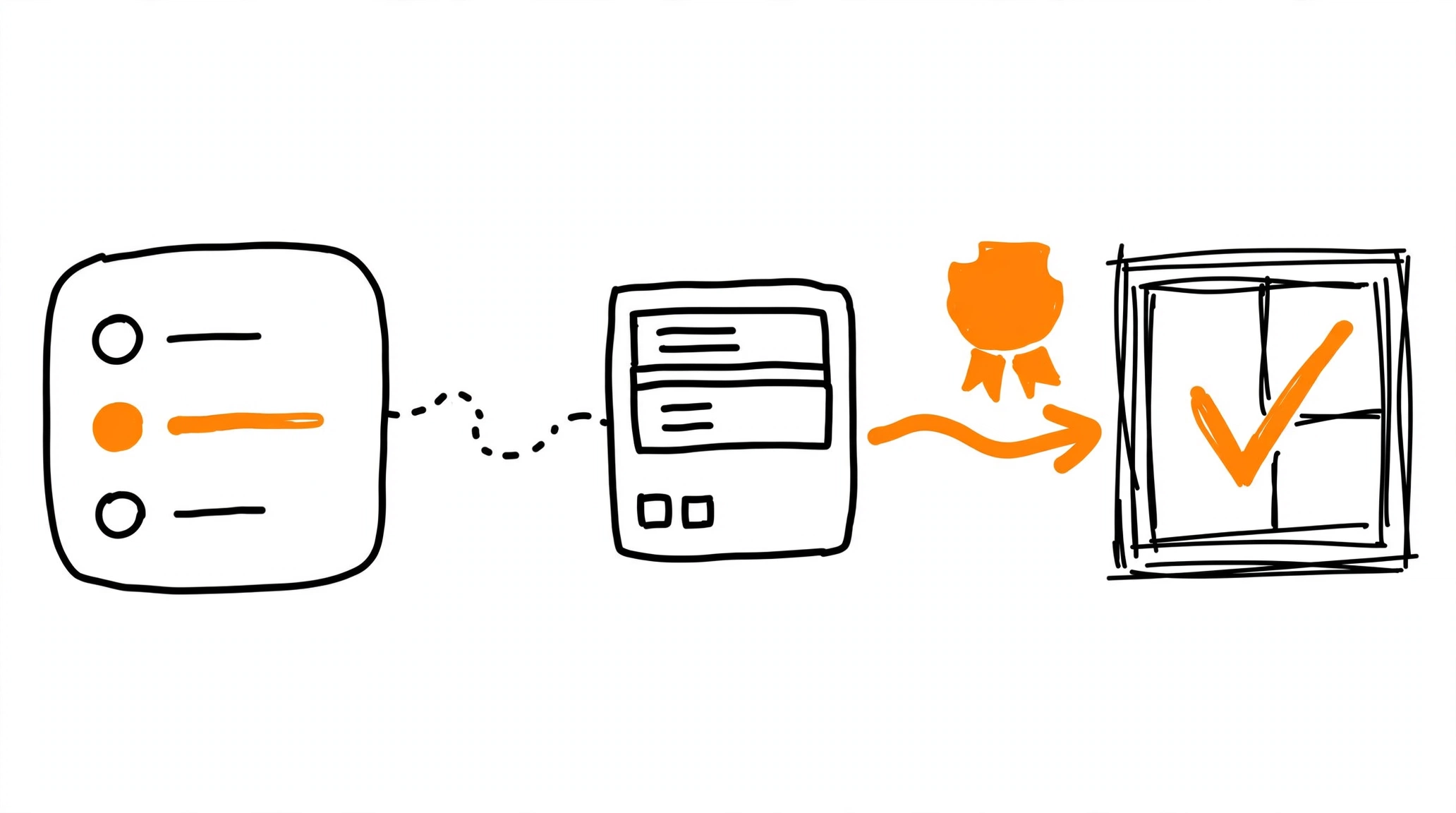
In an affiliate or leadgen funnel, the conversion is not a single moment. The network fires the first postback when a lead lands, and later postbacks update it - approved, paid, or rejected. Meta CAPI offline conversions give that journey a documented channel: each status update can travel to Meta as a server event, with the event name and timestamp you choose. The tracker is the natural source of truth here, since it already processes postbacks with status parameters.
This is how the setup starts optimizing on lead quality rather than raw lead count: the cheap lead that never approves becomes visible to Meta as data, not just as a hunch in your tracker's payout column. The delivery path is the same one web conversions use - MOST accepts tracker postbacks and delivers to Meta's Conversions API alongside other networks, and the free Pixel Activator covers a single landing manually.
Build the Offline Event: Required Fields
Meta's offline events reference fixes the required fields. event_name is required and comes from a documented set - the standard web event names like Purchase and Lead are valid, plus Other for anything outside the list, which is how most status updates travel. Then event_time carries the UNIX timestamp of the conversion - the moment of the actual conversion, not the moment of upload. The action_source parameter must be physical_store for all offline and store events; Meta requires this parameter on every server event and states that by using the API you affirm the value is accurate.
Customer information parameters - the hashed identifiers like email and phone - travel alongside, and they matter twice: they attribute the event to the right person, and they power the user-based deduplication described below. order_id is optional but practical: a unique identifier for the transaction, a receipt ID in retail terms, and in a tracker funnel naturally the tracker's transaction ID. Hashing follows the same discipline covered in CAPI user data hashing and normalization.
The Two Clocks: 62 Days for Offline, 7 for Everything Else
Meta's windows differ by event class, and mixing them up produces hard errors. For regular server events, event_time can be up to 7 days before you send the event; anything older fails the entire request, with no events processed - the mechanics behind that limit are in the 2804003 error walkthrough. Offline and physical store events follow a different clock: Meta's guidance is to upload transactions within 62 days of the conversion. That slack is what makes status-update funnels practical - an approval or rejection arriving two months after the lead can still reach Meta.
The third timer applies inside the upload: the maximum deduplication window is 7 days. Two copies of an event more than 7 days apart do not collapse into one - so retries and corrections should be sent promptly, not archived for later.
Deduplication: by order_id or by user data
Deduplication for offline is its own subsystem. Meta notes that offline events can be deduplicated only against other offline events - not against pixel or web server events - and supports two methods. The order_id-based method treats events with identical event_time, event_name, and the same order_id as duplicates. Without an order_id present, the user-based method applies, comparing the same set of customer information parameters instead. Both evaluate a combination of fields - dataset_id, event_time, event_name, item_number, and the method's key - and when duplicates are detected, the first event is kept.
The practical rule for a status-update funnel follows directly: give every lead's transaction a stable order_id from the start, and make each update deliberately distinct - a different event_name for a different status, or the timestamp of the moment that status actually happened. Deduplication triggers only when event_time, event_name, and the identity key all match - the same order_id, or identical customer information without one - and when it does, only the first event reaches Meta's reporting.