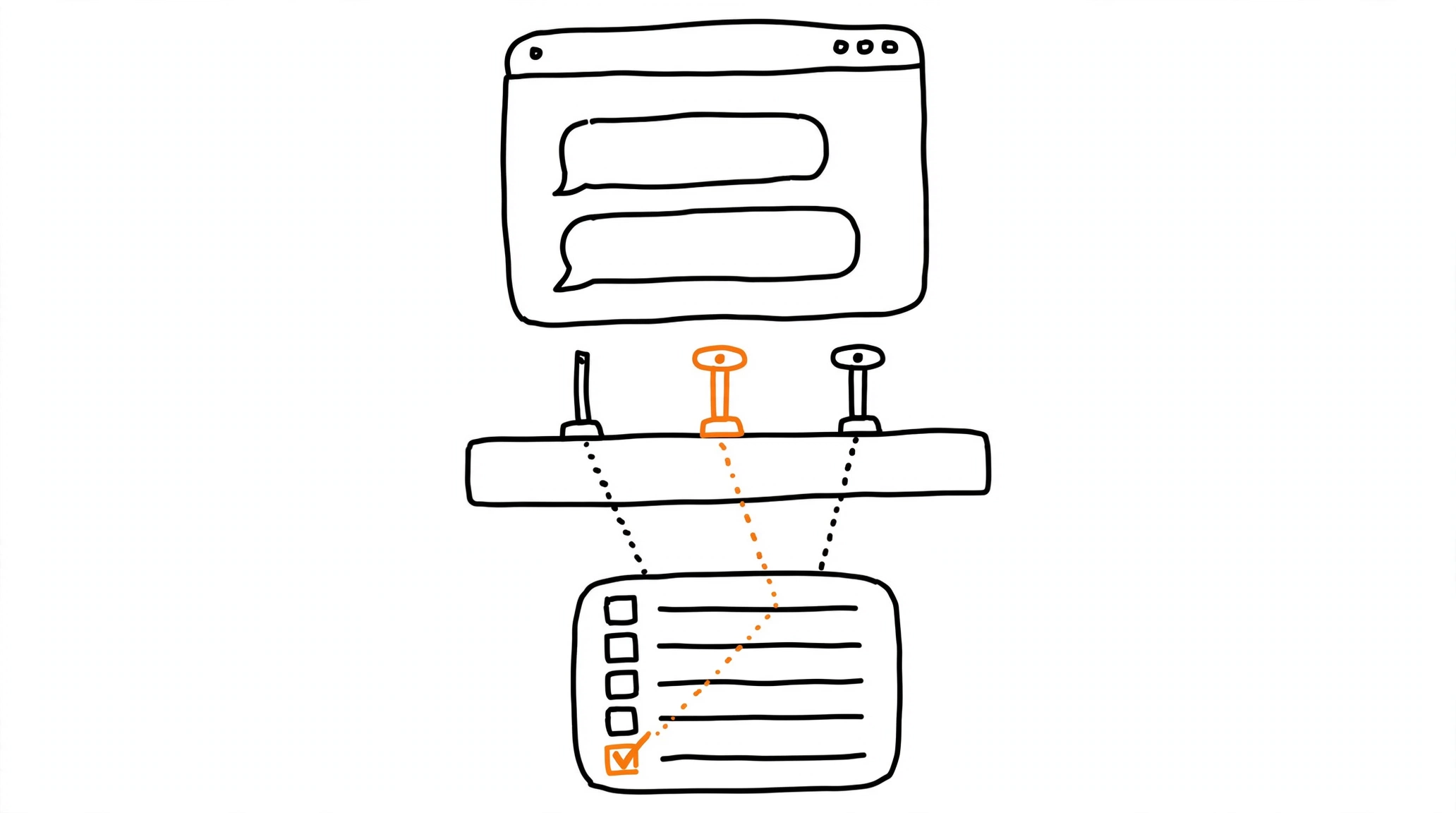
What the ChatGPT Ads Manager Is
The ChatGPT Ads Manager is where every campaign for ChatGPT Ads gets built, launched, and managed. OpenAI ships it as a beta product, so workflows keep expanding, but the core loop is already complete: campaigns can be created one at a time through a guided flow or at scale through bulk upload, performance is monitored in table views, charts, and CSV exports, and account-level settings - members, permissions, API keys, billing details, and change logs - live in the same place. Availability is expanding market by market, and OpenAI maintains a country list so you can confirm your market before planning a launch. Advertisers who already know Meta Ads Manager or Google Ads will recognize the shape of the tool; the differences that matter are in billing, budgets, and what the objectives actually price.
Account Setup and Billing Before Delivery
Setup starts at ads.openai.com: sign in with an OpenAI account tied to your work email, add your brand logo in Settings, complete account verification, and invite teammates who need access. Two billing steps block delivery until they are done - creating a billing profile with your business name, address, and invoice email, and adding a payment method. When the card is verified, your bank may show a temporary $100 authorization; OpenAI releases the hold automatically, though it can stay visible for up to seven days.
Charges follow a postpay model. Spend accrues as campaigns deliver, and your saved card is charged once the account reaches its assigned payment threshold. That threshold is not a campaign budget and not an account spend cap - it only controls when the charge happens - and support will not change it manually; it grows on its own with successful payment history. Failed charges stop delivery, and campaigns can keep billing for up to 24 hours after you pause them, so a paused campaign is not always a billed-zero campaign.
Campaign Structure: Campaign, Ad Group, Ad
A campaign defines the objective, budget, dates, and targeting. Ad groups sit under it and collect ads around a theme or intent area - this is also where context hints live, describing the conversation types where your ads are relevant. Ads themselves carry the creative: title, copy, image, and landing page, with asset requirements and character limits documented in OpenAI's Create Ads guide. OpenAI's structuring advice is conventional but worth following from day one: separate campaigns for meaningfully different goals, regions, or product categories, clear naming for reporting, and multiple ad groups per campaign so themes can be tested against each other.
Choosing Among CPM, CPC, and oCPC Objectives
Three objectives exist today. The Views objective buys impressions at a cost per thousand (CPM) and optimizes for reach. The Clicks objective buys at a cost per click (CPC) and optimizes for traffic. The Conversions objective - oCPC - bills per valid click, not per conversion, and optimizes delivery toward one tracked conversion event; the mechanics are in the ChatGPT Ads oCPC guide. OpenAI's API documentation states the lock explicitly: bidding_type accepts impressions, clicks, or conversions - the API names for the Views, Clicks, and Conversions objectives - and cannot be updated after the campaign is created, so the objective choice is a one-way door.
On top of the objective, ad groups carry a bid strategy. Maximize results is OpenAI's automated option - it adjusts bids toward the campaign goal on its own, ships as the default for eligible new ad groups, and explicitly does not guarantee any CPA, CPC, or ROAS target. Advertisers who need a hard bid ceiling use the manual controls instead.
Daily and Campaign-Total Budgets
Budget setup offers two shapes. A campaign-total budget caps spend across the whole flight. A daily budget sets the average amount you want per day over a seven-day period, and OpenAI is explicit about its behavior: a single day may spend up to twice the daily amount, the seven-day total will not exceed seven times the daily amount, and underspend on quiet days can be used later within the same period. Change the budget mid-day and the daily cap for that day follows the highest value active at any point; change it mid-week and the weekly limit is prorated through the next Sunday at midnight.
The minimum daily budget varies by market and currency, with the standard US floor at $25. For campaigns on fixed bidding there is an extra constraint - the daily budget must stay at or above the highest effective ad-group bid - though automated bidding and campaign-total budgets (lifetime budgets, in API terms) are exempt from it. If you are new to the platform, OpenAI recommends starting with a daily budget so delivery can be monitored before committing a campaign-total sum. One trap to remember: the budget amount can be edited later, but the budget type cannot.
Targeting: Countries, Platforms, and Audiences
Geographic targeting works at the country level everywhere, and inside the United States it goes finer: state, designated market area (DMA), and ZIP code are all selectable through the location picker, with the full catalog downloadable as a CSV. Platform targeting is a multi-select across the iOS app, the Android app, and Web - where Web covers both desktop and mobile web, and mobile web currently reports under Mobile in insights. Custom audiences can be included or excluded per campaign, which becomes useful once your customer lists are uploaded and matched. The API defaults are worth knowing even if you work only in the UI: a campaign created without location targeting delivers to all available locations.
Submitting for Review and Reading Early Signals
OpenAI's own recommendation is to keep the campaign paused while you finish setup and switch it to active only when the campaign, its ad groups, and its ads are all ready. Submission sends everything through ad review; if an ad shows as Not serving, the status tooltip names the reason, and many issues resolve with an edit and resubmit - the rest come down to policy rejections or account and billing holds. Once serving, the metric set to watch is impressions, clicks, spend, CTR, average CPC, average CPM, and conversions, with conversions appearing only when conversion measurement is set up. Reporting takes time to stabilize on any new platform, so read early numbers as signals rather than verdicts - the same patience the attribution window mechanics demand.
Wire Measurement Before You Scale
Campaign controls determine where budget goes; measurement determines what the platform can learn from it. The ChatGPT Ads conversion tracking setup covers the two-source model - the OpenAI measurement pixel in the browser and server events through the conversions API - plus the event_id deduplication that keeps the copies from double-counting. Validation belongs before scaling too: the habit of testing events before spending transfers from Meta to ChatGPT Ads unchanged. For funnels that end outside your own site, MOST delivers tracked conversions server-side to ChatGPT Ads alongside Meta, TikTok, Reddit, Snapchat, and Pinterest, and the free Pixel Activator covers a single landing at pixel.way2.us.
Frequently asked questions
Sources
Sources
- Create Campaigns for ChatGPT Ads - OpenAI Help Center
- Daily Budgets - OpenAI Help Center
- Billing & Payment - OpenAI Help Center
- Quickstart: Launch your first campaign - OpenAI Help Center
- Ads Manager Beta Overview - OpenAI Help Center
- Maximize Results Bid Strategy - OpenAI Help Center
- Create Ads for ChatGPT Ads - OpenAI Help Center
- Campaign Targeting - OpenAI Developers
- Campaigns API Reference - OpenAI Developers