What the MMP Integrations Do
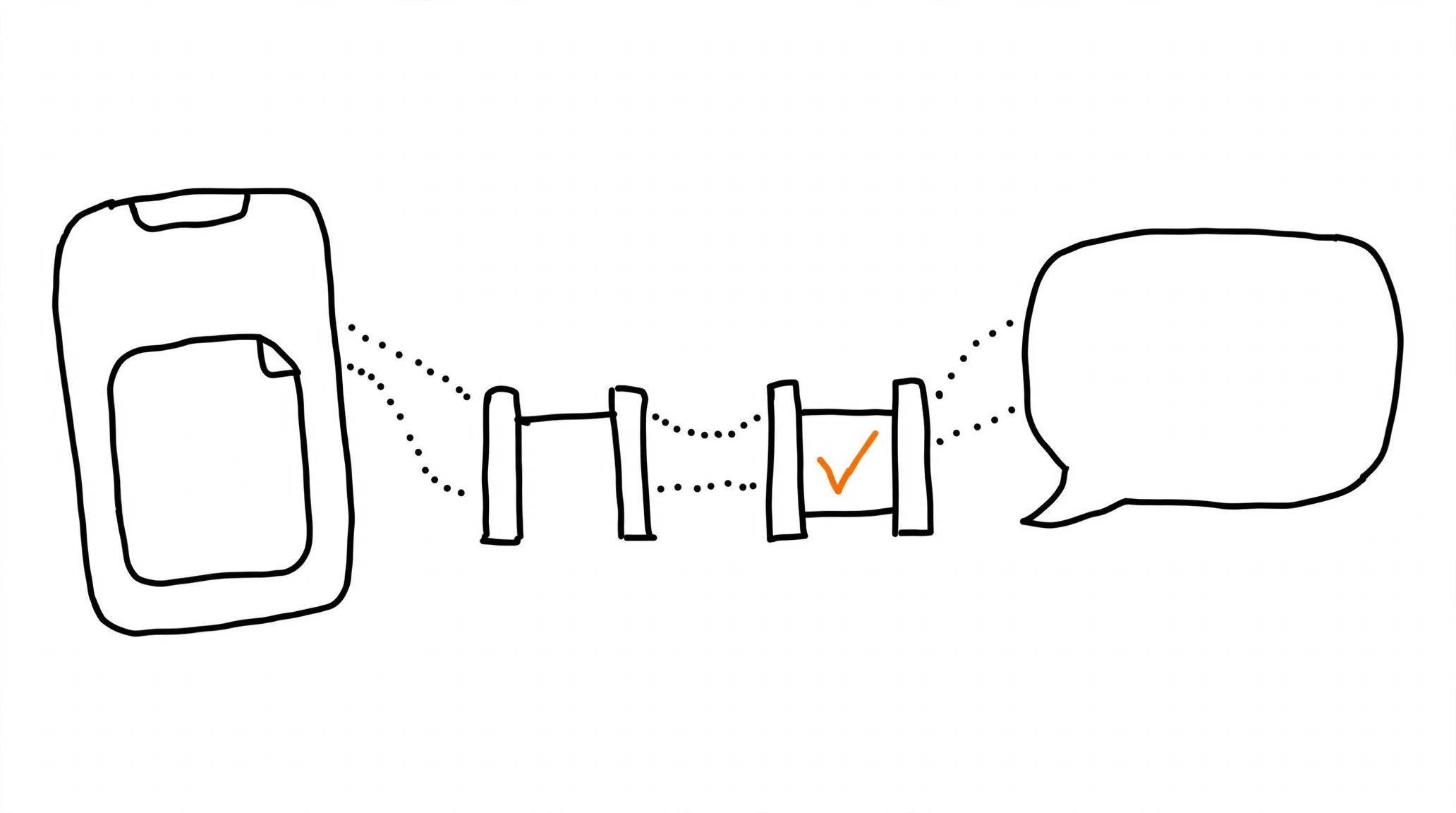
For app advertisers, ChatGPT Ads does not ask you to abandon the mobile measurement stack - it plugs into it. OpenAI's help documentation names two supported mobile measurement partners (MMPs), AppsFlyer and Adjust, and describes the shared purpose: these integrations measure eligible conversions and share event data back for reporting and optimization. Available capabilities and setup options vary by partner, so both dashboards remain the source of truth for their own knobs. For teams that already run one of these partners across Meta and TikTok, the ChatGPT Ads connection is one more partner entry rather than a new measurement philosophy - the same tracking stack logic the rest of the funnel already follows.
Prerequisites Before Touching Either Dashboard
OpenAI's checklist starts in Ads Manager, not in the partner: an active Ads Manager account, plus a Pixel ID and Conversions API key from the Conversions section - the same credentials the direct CAPI integration uses. On the partner side, your app or website must already be configured in AppsFlyer or Adjust, with appropriate permissions in the partner account. Last, prepare the list of standard or custom events you intend to send to ChatGPT Ads, because event mapping is a setup step in both flows, and deciding it in advance beats deciding it mid-wizard.
Setting Up AppsFlyer
The AppsFlyer path runs through Partner Integrations: find ChatGPT Ads (OpenAI), activate the integration, and enter your ChatGPT Ads Pixel ID and Conversions API key. Event mapping comes next - choose which events flow to ChatGPT Ads. The final step splits by funnel type: mobile apps create an attribution link and use it in the corresponding ChatGPT Ads campaign, while websites configure event forwarding from the AppsFlyer Web SDK to the ChatGPT Ads Conversions API. AppsFlyer's own support guide carries the complete instructions with current screenshots.
Setting Up Adjust
The Adjust path starts in Campaign Lab: add ChatGPT Ads as a partner, select your app, enable data sharing, and enter the required ChatGPT Ads credentials - the same Pixel ID and Conversions API key pair from the prerequisites. Event mapping follows, along with optional data you want to share. The last step is attribution settings and the campaign link - Adjust generates a click URL that you place in the appropriate ChatGPT Ads campaign, mirroring how MMP links work in every other channel. Adjust's partner setup documentation keeps the authoritative step-by-step.
Click-Based Attribution and Where the Numbers Land
One architectural fact shapes expectations: attribution for these integrations is click-based - the credit comes from the partner's attribution link or click URL, and the documented setup contains no impression-based component. The attribution link from your measurement partner goes into the ChatGPT Ads campaign, and attribution windows plus event-sharing settings live in the partner's configuration - not in Ads Manager. Attributed events then appear in the Conversions metric in Ads Manager, with OpenAI's standard advice to allow 24-48 hours for reporting, the same delay the attribution guide covers for web conversions. The event payloads ride the same conversions API contract as direct integrations, which is why the Pixel ID and Conversions API key are the two credentials the whole setup hangs on. Apps marketers weighing this against platform-specific framing like SKAN will find the iOS attribution breakdown and the MMP-versus-tracker comparison map the rest of the tradeoffs. And for funnels that end outside the partner dashboards, MOST delivers tracked conversions server-side to ChatGPT Ads alongside Meta, TikTok, Reddit, Snapchat, and Pinterest, while the free Pixel Activator validates one event per landing at pixel.way2.us.